Fill out your information, and we'll do the calculations for you
Blog Details
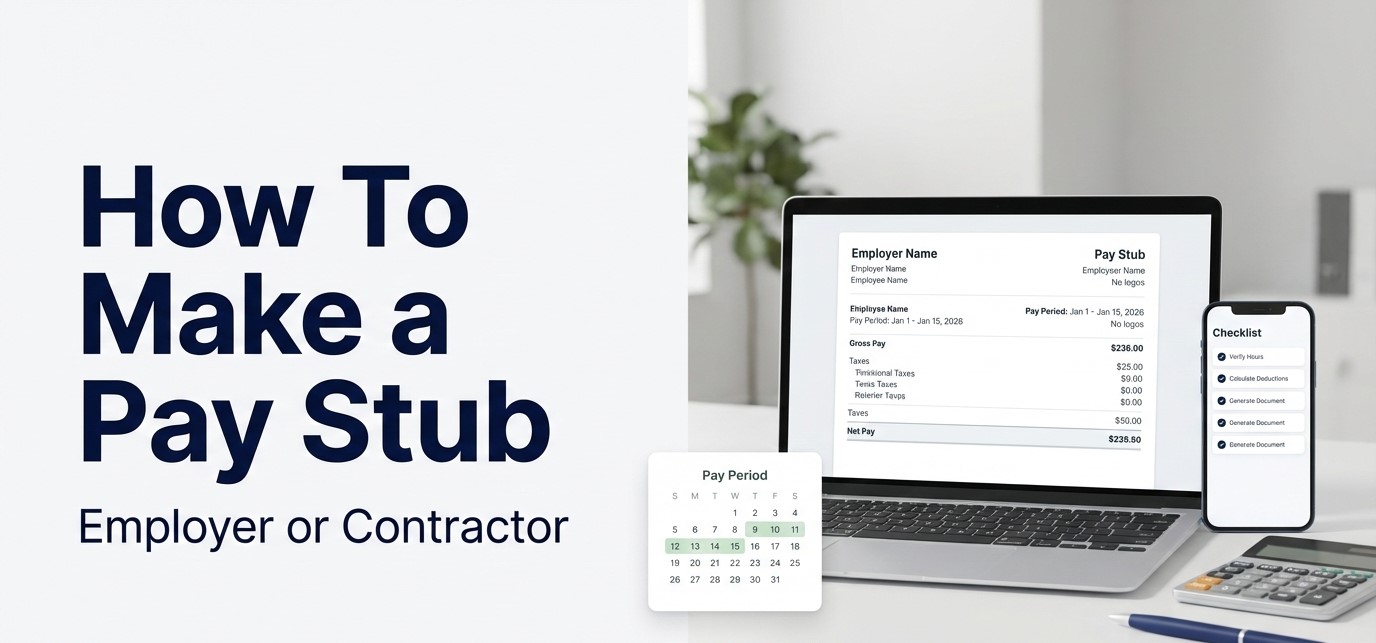
How To Make a Pay Stub as an Employer or a Contractor (2026 Guide)
How To Make a Pay Stub as an Employer or a Contractor (2026 Guide)
If you searched “how to make a pay stub,” you are usually trying to solve one of these problems:
(1) you are an employer who needs compliant wage statements for employees,
(2) you are a contractor/self-employed worker who needs a clean earnings record for bookkeeping or proof of income. This guide gives both paths, step-by-step, in plain language.
Quick answer (30 seconds)
- Pick your path: Employer (W-2 payroll) vs Contractor (1099/self-employed). The information and fields differ.
- Employer pay stubs: Must match your payroll math (gross, taxes, deductions, net) and follow your state wage statement rules. Federal law does not require employers to provide pay stubs, but it does require accurate wage records and many states require itemized statements. (Source: U.S. Department of Labor)
- Contractor pay stubs: Contractors typically use invoices + bank deposits for proof of income, but a pay stub-style earnings statement can help organize income as long as it is accurate and clearly labeled.
- Keep records: The DOL explains payroll records should generally be retained for at least 3 years, and records used to compute wages for 2 years. (Source: DOL Fact Sheet #21) The IRS says keep employment tax records for at least 4 years. (Source: IRS)
On this page
- Choose your path (Employer vs Contractor)
- What a pay stub should include (field checklist)
- Employer: how to make pay stubs (step-by-step)
- Contractor: how to make an earnings statement (step-by-step)
- State requirements + compliance basics
- Recordkeeping: how long to keep pay stub records
- Common mistakes that cause rejections
- FAQs
Choose your path (Employer vs Contractor)
|
You are… |
What you should create |
What matters most |
|
Employer paying W-2 employees |
A wage statement (pay stub) that matches payroll calculations |
State wage statement rules, taxes/deductions accuracy, pay period dates, recordkeeping |
|
Contractor / self-employed (1099) |
An earnings statement (pay stub-style record) + proof-of-income packet |
Clear labeling, accurate income periods, supporting docs (invoices, deposits), no employee taxes withheld |
What a pay stub should include (field checklist)
Pay stubs are easier to verify when they show the basics clearly. Many states require specific wage statement details, and the required fields vary by location. A good starting reference is ADP’s state and territory wage statement overview and chart.
|
Section |
Typical fields |
|
Employer + employee |
Employer name/address, employee name, partial identifier (avoid full SSN on displayed stubs when possible), employee ID . |
|
Pay period |
Pay period start/end dates, pay date, pay frequency |
|
Earnings |
Hours and rate (hourly), salary amount (salaried), overtime, bonus/commission , gross pay, YTD gross |
|
Deductions + taxes |
Pre-tax deductions (benefits/retirement), federal/state/local taxes withheld (employees), post-tax deductions, garnishments |
|
Totals |
Total deductions, net pay, YTD net |
If you want a quick, plain-English explanation of common paycheck lines and abbreviations, use: Pay Stub Abbreviations: Decode Paycheck Codes.
Employer: how to make pay stubs (step-by-step)
Employers usually make pay stubs one of three ways: (1) payroll software, (2) payroll provider portal, or (3) an accurate generator/template tied to real payroll calculations. The best choice is the one that keeps your records consistent and easy to audit.
- Step 1: Confirm your pay schedule. Weekly, biweekly, semi-monthly, or monthly. Your pay period dates must match the schedule you actually use.
- Step 2: Gather time and earnings inputs. Hours worked, overtime, PTO, bonuses, commissions, reimbursements (if applicable).
- Step 3: Calculate gross pay. Hourly: hours × rate + overtime. Salaried: salary divide pay periods plus any additions.
- Step 4: Apply pre-tax deductions.
- Step 5: Calculate taxes withheld. Federal, state, local based on employee settings and taxable wages.
- Step 6: Apply post-tax deductions and garnishments .
- Step 7: Confirm net pay. Net equals to gross − total deductions/taxes. Make sure the math ties out exactly.
- Step 8: Generate and store the pay stub. Provide employee access per your state rules and store copies for your retention period.
Compliance note: The U.S. Department of Labor explains the FLSA does not require employers to provide pay stubs, but it does require accurate wage records, and many state laws require itemized wage statements. (Source: DOL eLaws)
State-by-state shortcut: Use this guide before you finalize your pay stub format: Pay Stub Requirements by State (2026): chart + checklist.
Contractor: how to make an earnings statement (step-by-step)
Contractors and self-employed workers are not paid like W-2 employees, so “pay stub” usually means an earnings statement that summarizes income for a time period. The goal is clarity: what you earned, when you earned it, and what you actually received. For many proof-of-income requests, an earnings statement works best when it is paired with invoices and bank deposits.
- Step 1: Pick the period. Example: weekly, biweekly, monthly, or “invoice period” (01/01–01/31).
- Step 2: List income sources. Client name (optional), invoice numbers, project name, hours/rate (if hourly), or flat fee.
- Step 3: Total gross income for the period. This should match your invoices for that same period.
- Step 4: Track business expenses separately. Do not mix personal and business expenses in the earnings statement.
- Step 5: Show net received (optional but helpful). If you include “net,” explain what it means (for example: deposits received after platform fees).
- Step 6: Add supporting documents. Pair with invoices + bank deposits to reduce verification questions.
Proof-of-income packet (contractors): If you are using this for renting, loans, or verification, use a complete packet: Self-Employed: Proof of income documents that usually get accepted.
|
Contractor earnings statement field |
What it should show (simple) |
|
Period covered |
Start/end dates + payment date (if paid later) |
|
Income detail |
Client/project, invoice # (if any), hours/rate or flat fee |
|
Gross for period |
Total billed/earned for that period (match invoices) |
|
Fees/adjustments (optional) |
Platform fees, chargebacks, refunds (if applicable) |
|
Net received (optional) |
Deposits received for that period (match bank statements) |
Important: Do not label a contractor earnings statement as an “employee pay stub,” and do not invent withholding lines that do not exist for your situation. If a verifier needs tax context, provide the correct documents (invoices, bank statements, and tax forms) rather than forcing a pay stub format.
State requirements + compliance basics (USA)
The FLSA does not require employers to provide pay stubs, but it does require accurate records of wages and hours, and many states require itemized wage statements. (Source: U.S. Department of Labor) Because state rules vary, use a state chart as your first check. (Source: ADP state pay statement overview)
Do this for faster compliance:
- Confirm your state requirements before you finalize your pay stub template.
- Keep the pay period dates obvious (many verification checks fail on missing dates).
- Make totals easy to verify (gross, total deductions, net, and YTD if available).
For a clean checklist format you can follow while editing your wage statement layout, use: Pay Stub Requirements by State (2026).
Recordkeeping: how long to keep pay stub records
This is the part most people skip until they need it. Good records help with audits, disputes, and employee questions.
- The U.S. Department of Labor explains employers should generally keep payroll records for at least 3 years, and records used to compute wages for 2 years. (Source: DOL Fact Sheet #21)
- The IRS states to keep employment tax records for at least 4 years. (Source: IRS)
Practical tip: Save a copy of each pay stub and the calculation support (timesheets, rate changes, deduction authorizations). If a question comes up later, you can prove where each number came from.
Common mistakes that cause pay stubs to be rejected
- Missing pay period dates (verifiers want start/end + pay date).
- Math does not tie out (gross minus deductions does not equal net).
- Inconsistent employer details (name/address differs from prior stubs).
- Contractor mislabeling (a 1099 earnings statement presented as a W-2 employee pay stub).
- Unclear deductions (unexplained abbreviations or missing totals).
If you want a verifier-style checklist (what people commonly check), use: How to tell a real pay stub from a fake one (2026 checklist).
Make a pay stub with ePayStubs (simple, clean format)
If you want a fast way to generate a clean, printable pay stub-style document for recordkeeping, use our tool here: Create Pay Stub. Always enter real, verifiable details only.
Need examples to compare formatting? Use: Pay Stub Sample Templates.
FAQs
Is it legal to make your own pay stub?
Creating pay stubs for accurate payroll records and bookkeeping is normal. The key is accuracy and proper labeling. Never create or submit fabricated income documents.
Does federal law require employers to provide pay stubs?
The U.S. Department of Labor explains the FLSA does not require employers to provide pay stubs, but it does require employers to keep accurate wage records, and many states require itemized wage statements. (Source: DOL eLaws)
What should be included on a pay stub?
Pay period dates, pay date, earnings, deductions/taxes, net pay, and (often) year-to-date totals. State rules vary on required fields.
How long should employers keep pay stub records?
The DOL explains payroll records should generally be kept for at least 3 years and wage computation records for 2 years. (Source: DOL Fact Sheet #21) The IRS states employment tax records should be kept for at least 4 years. (Source: IRS)
What is the best proof of income for contractors?
A contractor earnings statement is helpful, but most verifiers prefer a packet: invoices + bank deposits (and tax documents when needed). Start here: Self-Employed Proof of Income.
Reminder: This content is educational. For compliance, always confirm your payroll provider settings and your state’s wage statement rules. Use real, verifiable information only.
Recent Posts

If the white whale be raised it must be...

The new rules of personal finance in...

Every business owner must be able...