


Colorado Paystub Generator (2026)
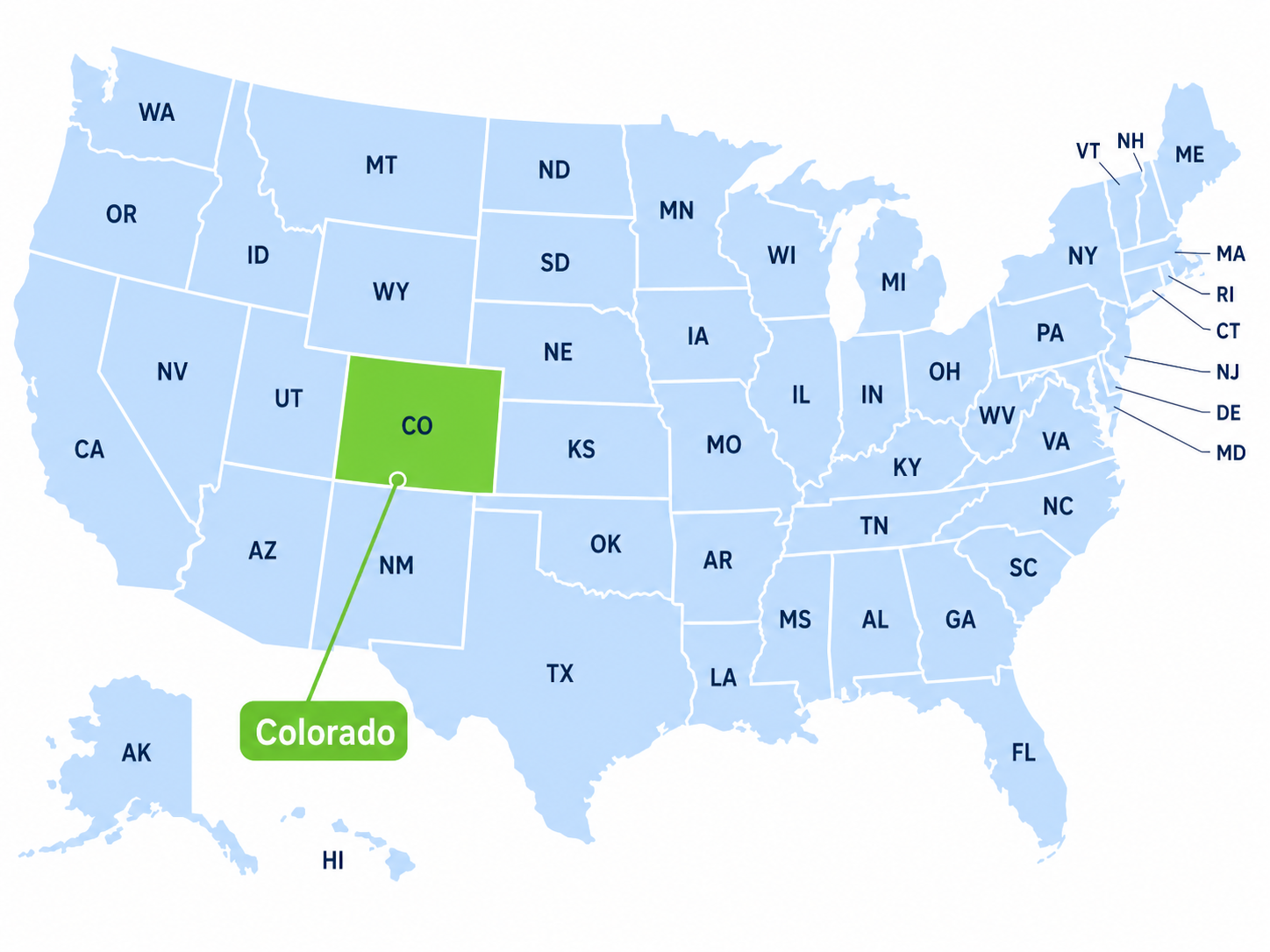
Create a Colorado pay stub using actual employee payroll information. Colorado payroll can include federal withholding, Colorado wage withholding, Social Security, Medicare, Colorado FAMLI premiums, overtime, and state or local minimum-wage rules. Review the completed pay stub carefully before finalizing it. For a take-home-pay estimate, use our Colorado paycheck calculator.
Colorado payroll has several details that should be handled carefully. Colorado has state wage withholding, and many workers may also see deductions for federal income tax, Social Security, Medicare, Colorado FAMLI, benefits, retirement, garnishments, or other approved deductions.
- Preview before downloading
- Colorado state withholding section
- Updated with 2026 Colorado payroll information
- Includes Colorado FAMLI and local minimum wage guidance
- Designed for actual employee payroll records and small-business payroll documentation
Create Colorado Pay Stubs Online
A Colorado pay stub should be based on actual payroll information. Depending on the employee and employer, the document can include regular wages, overtime, federal taxes, Colorado income-tax withholding, FAMLI premiums, benefit deductions, garnishments, and year-to-date totals.
Colorado also has specific wage-statement requirements. Using a generator can help organize the information, but employers remain responsible for making sure the final payroll record is accurate and complete.
Colorado Pay Stub Requirements
Under Colorado Revised Statutes § 8-4-103, an employer must furnish an itemized written pay statement at least monthly or at the time wages or compensation are paid.
The statement must show:
- Gross wages earned.
- All withholdings and deductions.
- Net wages earned.
- The inclusive dates of the pay period.
- The employee's name or Social Security number. Employers should follow all applicable privacy and identity-security requirements when displaying sensitive information.
- The employer's name and address.
Employers must retain records reflecting the information contained in the itemized pay statement for at least three years after the wages or compensation were due.
Official guidance: Colorado Department of Labor and Employment wage guidance .
Colorado Income Tax and Wage Withholding in 2026
Colorado's individual income-tax rate is 4.40%. That does not mean every paycheck should simply have 4.40% of gross wages deducted.
Employers calculate Colorado wage withholding using the Colorado Department of Revenue withholding method and employee withholding information. New employees provide the applicable federal Form W-4.
Colorado Form DR 0004
Colorado's DR 0004, Colorado Employee Withholding Certificate, is optional. If an employee does not submit DR 0004, the employer generally calculates Colorado withholding using the employee's federal Form W-4 information.
Employees may use DR 0004 to adjust Colorado withholding for qualifying Colorado deductions or credits, multiple jobs, additional income, or additional withholding.
The Colorado withholding calculation annualizes wages, uses the applicable withholding allowance, applies the 4.40% calculation, then converts the result back to the employee's pay frequency. Actual withholding can therefore differ from simply multiplying gross pay by 4.40%.
See what SIT or SWT means on a pay stub and how taxable wages work on a pay stub.
Official sources: Colorado Wage Withholding Tax Guide and 2026 Colorado DR 0004.
Colorado Payroll Taxes and Deductions in 2026
| Payroll Item | 2026 Treatment |
|---|---|
| Federal income-tax withholding | Varies according to Form W-4, taxable wages, pay frequency, and current IRS rules. |
| Social Security | 6.2% employee withholding on covered wages up to the 2026 Social Security wage base. |
| Medicare | 1.45% employee withholding on covered Medicare wages. Additional Medicare Tax can apply under federal rules. |
| Colorado wage withholding | Calculated using Colorado's withholding method, Form W-4 information, and DR 0004 when submitted. |
| Colorado FAMLI | 2026 total premium rate is 0.88%. The employee share can be up to 0.44% of covered wages. |
| Colorado unemployment insurance | Employer-paid. It should not normally appear as an employee SUI/SUTA deduction. |
Colorado FAMLI Payroll Deduction in 2026
Colorado FAMLI is the state's Family and Medical Leave Insurance program. For 2026, the total premium rate is 0.88% of covered wages.
An employee can generally be charged up to 0.44% of covered wages for the employee share. An employer can choose to pay some or all of the employee contribution.
Employers with 10 or more employees generally pay the employer share as well. Employers with nine or fewer employees generally do not owe the employer portion, but still collect and remit the employee contribution when applicable.
FAMLI premiums are subject to the program's annual wage limit, which follows the Social Security wage base. For 2026, that wage base is $184,500.
For $2,000 of covered wages, a full 0.44% employee share equals $8.80.
Official source: Colorado FAMLI .
Colorado Unemployment Insurance and SUTA
Colorado unemployment insurance is primarily an employer payroll tax. It should not normally appear as an employee SUI or SUTA deduction.
Colorado's 2026 unemployment-insurance chargeable wage base is $30,600 per employee for 2026.
Newly liable employers receive an assigned premium rate based on applicable Colorado rules and industry classification. Experience-rated employers can have different rates based on their unemployment account history and the applicable state rate schedule.
Because Colorado unemployment rates are employer-specific, an employee pay stub should not invent a fixed employee SUTA deduction.
See what SUI or SUTA means on a pay stub.
Official source: Colorado Unemployment Insurance for Employers .
Colorado Minimum Wage in 2026
Colorado's statewide minimum wage is $15.16 per hour effective January 1, 2026.
For qualifying tipped employees, the statewide direct cash wage is $12.14 per hour when the permitted $3.02 tip credit is properly applied.
If tips do not bring the employee to the applicable minimum wage, the employer must make up the difference.
Denver Minimum Wage in 2026
Denver's 2026 minimum wage is $19.29 per hour.
For qualifying tipped food and beverage workers, the permitted $3.02 tip credit can result in a direct wage of $16.27 per hour when all requirements are satisfied.
Other Colorado local governments may establish higher minimum wages. Use the rate that applies to the employee's actual work location and pay period.
Official sources: Colorado Division of Labor Standards and Statistics and Denver Minimum Wage.
Colorado Overtime Rules in 2026
For most covered nonexempt employees, Colorado generally requires 1.5 times the regular rate for work exceeding:
- 40 hours in a workweek;
- 12 hours in a workday; or
- 12 consecutive hours.
The calculation that results in the greater overtime payment applies. Colorado also has exemptions, industry-specific provisions, and other exceptions.
When overtime applies, actual overtime earnings should be reflected accurately in the payroll record.
Official guidance: Colorado COMPS and wage-and-hour guidance .
Colorado Paid Sick Leave
Under Colorado's Healthy Families and Workplaces Act, employees generally earn at least one hour of paid sick leave for every 30 hours worked.
The general accrual and use limit is 48 hours per year unless the employer provides a more generous policy. Up to 48 unused accrued hours can generally carry forward, subject to applicable statutory rules.
Colorado's basic itemized pay-statement statute does not list a sick-leave balance as one of the six required pay-statement categories. Employers should still maintain the leave records required by applicable law.
Official guidance: Colorado paid sick leave guidance .
Colorado Paycheck Example
Assume a covered nonexempt employee earns $22.00 per hour and works 46 hours in one workweek, with no daily or consecutive-hour trigger producing a larger overtime payment.
| Pay Item | Example |
|---|---|
| Regular pay | 40 × $22.00 = $880.00 |
| Overtime rate | $22.00 × 1.5 = $33.00 |
| Overtime pay | 6 × $33.00 = $198.00 |
| Gross pay | $1,078.00 |
| Social Security | 6.2% × $1,078.00 = $66.84, assuming wages remain below the annual wage base. |
| Medicare | 1.45% × $1,078.00 = $15.63 |
| Employee FAMLI at 0.44% | Approximately $4.74 when the employee owes the full employee share. |
| Federal income-tax withholding | Varies according to Form W-4 and IRS rules. |
| Colorado wage withholding | Varies according to taxable wages, W-4/DR 0004 information, and Colorado's withholding method. |
| Net pay | Varies based on all applicable taxes and deductions. |
Who Uses a Colorado Paystub Generator?
A Colorado paycheck stub generator can help employees and legitimate employers organize actual payroll information.
- Hourly employees: review regular hours, overtime, FAMLI, taxes, deductions, and net pay.
- Salaried employees: review salary earnings, Colorado withholding, FAMLI, benefits, and year-to-date totals.
- Small businesses: prepare clear payroll records using actual wage and withholding information.
- Tipped employees: review wages and determine whether the statewide or a higher local minimum wage applies.
Independent contractors and self-employed workers are generally not W-2 payroll employees. They commonly document income using invoices, 1099 forms, tax returns, bank statements, or payment-platform records. They should not create an employee pay stub to falsely represent employee status or wages.
How to Create a Colorado Pay Stub
- Enter actual employer and employee information. Use the legal employer name, employee information, pay-period dates, and pay date.
- Enter actual earnings. Add salary or hourly wages, regular hours, applicable overtime, tips, bonuses, commissions, and other real compensation.
- Use the correct withholding information. Use the current federal Form W-4 and Colorado DR 0004 information when applicable.
- Add Colorado-specific payroll items. Include FAMLI when applicable, the correct wage rate, and actual deductions. Do not add employer-only unemployment insurance as an employee deduction.
- Review the pay statement. Confirm gross wages, withholdings and deductions, net wages, pay-period dates, employee identification, and employer name and address.
Common Colorado Pay Stub Mistakes
- Applying 4.40% directly to every employee's gross pay instead of using the Colorado withholding method.
- Treating DR 0004 as mandatory for every employee even though the Colorado certificate is optional.
- Using an outdated prior-year FAMLI rate instead of the current 2026 employee share.
- Deducting Colorado unemployment insurance from employee wages.
- Using the statewide minimum wage when a higher local wage applies.
- Missing overtime after 12 hours in a workday or 12 consecutive hours when the rule applies.
- Leaving required information off the Colorado itemized pay statement.
- Using invented wages or deductions instead of actual payroll data.
Using a Colorado Pay Stub as Proof of Income
An employer-issued pay stub can be one form of income verification. The organization requesting proof decides which documents and date range it accepts.
Other records can include W-2 forms, tax returns, bank statements, employment verification, 1099 forms, or other independently verifiable income records.
See what counts as proof of income and proof of income for an apartment.
Always use truthful payroll information. A generated pay stub should not be used to invent employment, inflate wages, or misrepresent income.
Colorado Paystub Generator FAQs
Does Colorado require pay stubs?
Yes. Colorado requires an itemized written pay statement at least monthly or at the time wages are paid.
What must be on a Colorado pay statement?
The Colorado Wage Act requires gross wages, all withholdings and deductions, net wages, inclusive pay-period dates, the employee's name or Social Security number, and the employer's name and address.
What is Colorado's income-tax rate in 2026?
Colorado's individual income-tax rate is 4.40%. Payroll withholding should still use the Colorado withholding calculation and applicable W-4 and DR 0004 information.
Is Colorado DR 0004 mandatory?
No. Colorado DR 0004 is optional. When an employee does not submit it, Colorado withholding is generally calculated using the employee's federal Form W-4 information.
What is Colorado FAMLI in 2026?
The total 2026 FAMLI premium rate is 0.88%. The employee can generally be charged up to 0.44% of covered wages.
What is Colorado minimum wage in 2026?
The statewide minimum wage is $15.16 per hour. The qualifying statewide tipped direct wage is $12.14 when the $3.02 tip credit applies.
What is Denver minimum wage in 2026?
Denver's minimum wage is $19.29 per hour. Qualifying tipped food and beverage workers can have a direct wage of $16.27 when the permitted $3.02 tip credit applies.
When does Colorado overtime apply?
For most covered nonexempt employees, Colorado overtime generally applies after 40 hours in a workweek, 12 hours in a workday, or 12 consecutive hours, whichever results in the greater overtime payment.
Is Colorado unemployment insurance deducted from employees?
Normally no. Colorado unemployment insurance is an employer payroll tax and should not normally appear as an employee SUI or SUTA deduction.
Official Colorado Payroll Sources
Ready to Create Your Colorado Pay Stub Online?
Enter actual payroll information, use the appropriate federal and Colorado withholding data, confirm FAMLI and wage rules, and review the pay statement before finalizing it.
Create Your Colorado Pay Stub — Preview
Colorado payroll information reviewed and updated August 2026.