
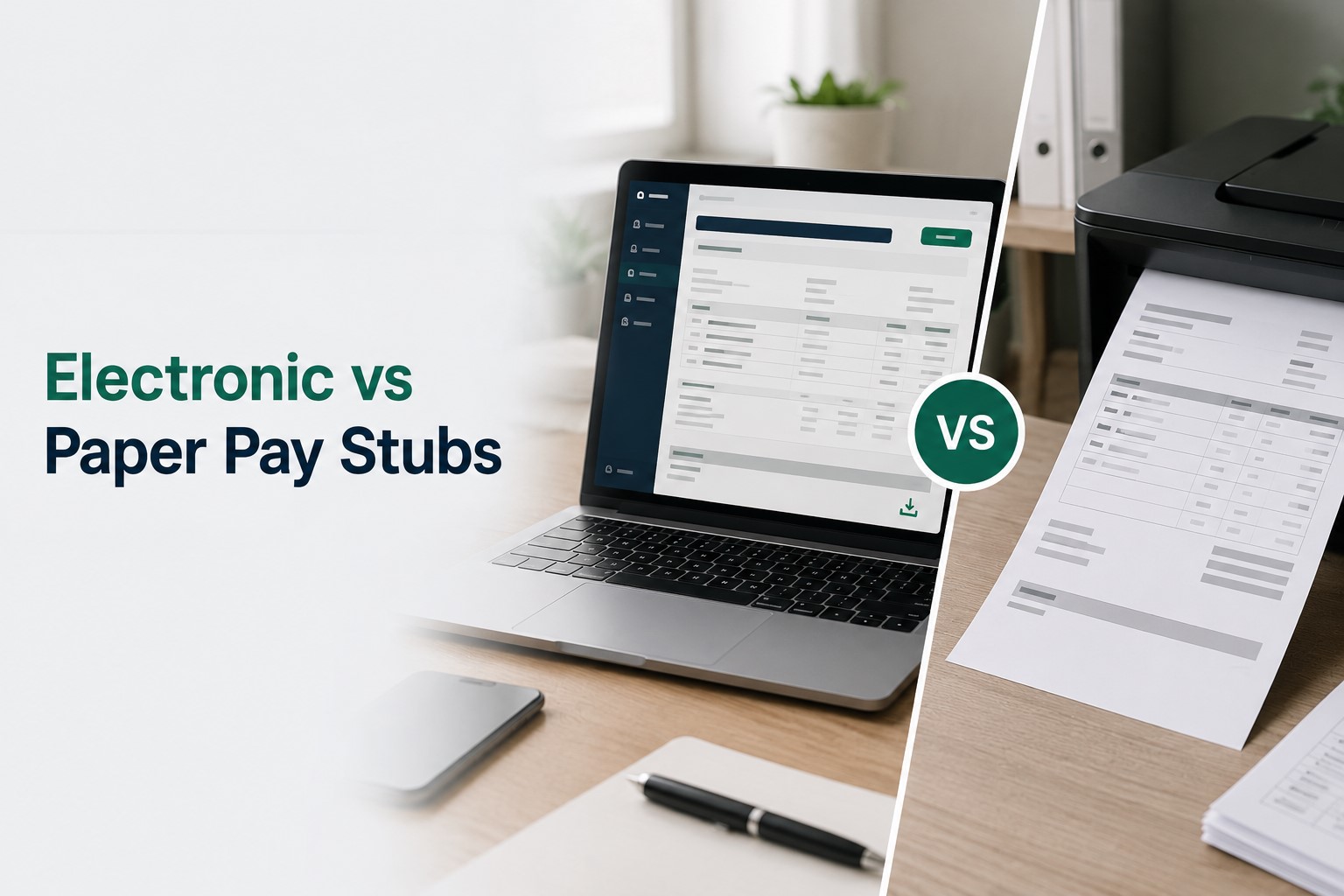
Electronic vs Paper Pay Stubs: Differences, Legal Rules, and Best Choice
Home › Blog › Electronic vs Paper Pay Stubs
Electronic and paper pay stubs can report the same wages, taxes, deductions and net pay; what changes is how you receive, retain and access the statement. An employer-issued PDF can usually be printed as a paper copy, but a state's rules may require employee agreement, the ability to print or save statements, or a paper option. A printed or self-created document is not automatically accepted as an employer-issued record.
Electronic pay stub: An employer-issued wage statement delivered through a payroll portal, app or electronic file. It may be available to download and print.
Paper pay stub: A physical statement provided by the employer, including an employer-issued paper copy of its electronic statement. A copy you already have remains available without logging into a portal.
Electronic vs Paper Pay Stubs: Side-by-Side Comparison
The same pay period can be documented in either format. Do not confuse the pay stub, which explains a wage payment, with the payment method, such as direct deposit or a paper check.
| Question | Electronic pay stub | Paper pay stub |
|---|---|---|
| How do I receive it? | Employer portal, payroll app or authorized electronic delivery. | Printed and handed over, mailed, or supplied separately. |
| Can I keep it? | Download or securely store the complete original file if the system permits. | Keep the issued page or a faithful printout. |
| What if access ends? | Portal login may expire; saved copies remain usable if securely retained. | A copy already in your possession remains available unless lost or damaged. |
| What could go wrong? | Account compromise, inaccessible portal, unprotected file sharing. | Loss, damage, theft or disclosure of printed data. |
| Is it legally sufficient? | Depends on the employee's applicable wage-statement and delivery requirements. | Must still include information required by applicable law. |
Which pay-stub format fits your situation?
- I need to upload proof of income. Keep the full employer-issued PDF and check which format, dates, and supporting documents the recipient accepts.
- A form asks for a computer-printed pay stub. Check the exact agency and transaction. Obtain the employer-issued record; do not assume a home printout meets an original-document requirement.
- My payroll portal will close. Download your complete wage statements securely while you have access and obtain an HR contact for future copy requests.
- My employer is going paperless. Check whether you can access and save statements and whether employee agreement or paper delivery is required where you work.
What Does a U.S. Computer-Printed Pay Stub Mean?
A U.S. computer-printed pay stub is generally a pay statement produced using a computer or payroll system and printed on paper, rather than handwritten. On an identity-document checklist, the phrase describes a document format. It does not create a nationwide legal category of pay stub or mean that any document made with a computer will be accepted.
Original digital statement
Downloaded from the employer's payroll portal; save the complete file securely.
Paper copy of that statement
Printing changes the format, not the issuer or the underlying payroll figures.
Example: A New York DMV registration or title checklist asks for a computer-printed pay stub
The New York DMV's vehicle registration/title document list identifies a computer-printed pay stub showing your name as a one-point proof-of-name item. For that transaction, applicants generally need documents totaling six proof-of-name points, plus an acceptable proof of date of birth. At least one document must include the applicant's signature.
Do not assume a home-printed PDF will be accepted. The DMV's page says documents must be originals or certified by the issuing agency and must not be altered. Obtain an appropriate employer-issued document and confirm with the DMV whether your particular electronic original or printout meets its requirements before visiting.
This example applies to the linked New York vehicle registration/title checklist, not automatically to driver-license, non-driver ID, benefits, rental, or other applications.
Does a printed electronic pay stub count?
A printout of an authentic, employer-issued PDF still shows the employer's payroll information. But whether the paper copy meets an application requirement is a separate question. Some agencies require original or issuing-agency-certified documents; check the precise transaction rules before relying on a home printout.
What if I only have a screenshot or generated stub?
A screenshot may omit necessary pages or identifying details. A self-created statement is not independently verified or employer-issued merely because it is formatted or printed. If the recipient requires an employer-issued wage record, retrieve the original from the employer or payroll service instead of presenting a recreation as an original.
Document checklist before you submit
- Identify the exact agency, transaction and current document list.
- Request a complete, employer-issued record for the relevant pay date; do not edit its figures or identifying information.
- Check the name, requested dates and required format, including whether an original or certified document is needed.
- Confirm whether a digital original, an employer-provided printed record, or a home printout is acceptable.
- Bring all additional identity, signature and date-of-birth proofs required for that transaction.
Electronic PDF vs Printed Copy vs Screenshot: What Changes?
| Document | How to use it | Important limitation |
|---|---|---|
| Employer-issued PDF | Save the complete file and use the recipient's approved upload process. | Access rights, identity checks and acceptance are set by the recipient. |
| Printed employer PDF | Keep a clear physical copy without changing amounts or employer details. | The printout's acceptance is not guaranteed by its appearance. |
| Original paper stub | Keep the employer-issued physical statement. | Can be lost, damaged or may need scanning for electronic submission. |
| Screenshot | Use for personal reference or when the recipient expressly accepts it. | Often crops out the issuer, dates, employee or deductions. |
| Self-prepared statement | Use only for truthful recordkeeping or a purpose that accepts self-prepared documents. | Not a substitute for an employer-issued record when one is required. |
Are Electronic Pay Stubs Legal in the United States?
Electronic wage statements can be lawful, but there is no single nationwide delivery rule. The federal Fair Labor Standards Act requires covered employers to maintain specified wage and hour records; it does not impose a universal requirement to furnish every employee with a pay stub. States can separately require itemized statements and set rules for electronic delivery, employee consent and print or save access. See the U.S. Department of Labor's recordkeeping guidance.
An employer should review the law applicable to each worker, including the employee's work location and any relevant local requirements. Direct deposit authorization and electronic W-2 consent are separate questions; neither automatically establishes consent to receive pay stubs electronically.
Five Questions Before Switching to Paperless Pay Stubs
- Is an itemized wage statement required? Identify the rules that apply to the worker and what fields must appear.
- Is electronic delivery permitted? Check actual availability, delivery timing and acceptable methods.
- Does the worker need to agree? Document consent when required; do not infer it from direct deposit.
- Can the worker access, print or save the full statement? Test this with the devices and accounts employees actually use.
- What happens if someone needs paper or leaves the company? Define copy requests, record storage and post-employment access.
Four Verified State Examples: Consent, Access and Retention
These examples show how rules differ; they are not a complete 50-state guide and do not determine the rules in another jurisdiction.
Hawaii: voluntary participation and written authorization
Hawaii DLIR states that electronic pay statements can comply when participation is voluntary and cancelable, written employee authorization is obtained, written retrieval instructions and access to printing equipment are provided, and electronic statements are retained for at least six years. Hawaii DLIR requirements.
Oregon: express agreement and print or store access
Oregon requires an itemized statement with wage payments. Paper statements are required unless the worker expressly agrees to electronic delivery and can print or store the statement when received. Oregon BOLI guidance.
Ohio: statements or access to statements required
Ohio Revised Code § 4113.14, effective April 9, 2025, requires employers to provide a written or electronic earnings-and-deductions statement, or access to one, each pay period on the regular payday, with specified content. Ohio law.
Illinois: pay-stub retention and former-employee requests
Illinois law requires employers to keep copies of employee pay stubs for at least three years. Employees and certain former employees can request copies, with a 21-calendar-day response deadline and limitations on request frequency; former-employee rights also have a one-year-after-separation limit. Illinois statutory text.
Do not rely on an outdated state chart. Ohio's 2025 law, for example, makes older lists that say Ohio has no pay-stub requirement inaccurate. Verify the current statute and agency guidance for the employee's jurisdiction before changing a delivery policy.
Payroll Portal vs Email vs Downloadable PDF
A secure portal may provide controlled access and pay history, while a downloadable PDF lets employees retain the record outside the portal. Sending an unprotected statement by email can expose personal payroll information if an inbox is shared or compromised. Neither a portal nor a PDF alone proves compliance: employee access, timing, contents and state delivery rules still matter.
Can You Print an Electronic Pay Stub or Request a Paper Copy?
Usually you can print a statement when the payroll portal provides Print or Download options. If the option is absent, ask the employer's payroll or HR team for the employer-issued complete statement. Whether the employer must provide a paper version depends on applicable law, agreements and accessibility obligations; no universal federal paper-copy entitlement applies to every worker.
- Open the official employer payroll portal and select the correct pay date.
- Download the complete employer-issued PDF, or choose the portal's Print command.
- Check that your name, employer, dates, earnings and deductions are legible where required.
- Store the original securely and ask the recipient which file or paper format it accepts.
For portal-specific recovery instructions, see how to get pay stubs online from your employer.
Do Electronic or Printed Pay Stubs Count as Proof of Income?
Employer-issued PDF and paper statements can be useful income records, but acceptance depends on the landlord, lender, agency or other recipient. Ask whether the reviewer needs the original employer PDF, several recent pay periods or additional verification. A bank deposit is not the same as an itemized wage statement; do not present a self-created stub as employer-issued. For a broader document comparison, read what counts as proof of income.
What Happens to Electronic Pay Stubs After You Leave a Job?
An employer may disable portal credentials after separation even when payroll records are retained. Before leaving, securely download the statements you may need, verify former-employee access and keep a payroll contact. If your account has already closed, request employer-issued copies for specific pay dates through HR or payroll. Illinois provides one example of statutory rights for certain former employees, but its deadlines and eligibility should not be assumed elsewhere.
Which Format Is More Secure?
Neither is automatically safer. Electronic files can be protected with strong account security and private storage, but shared devices, weak passwords and emailed attachments carry risks. Paper copies do not require a portal, but they can be lost, stolen or viewed by others. Use multi-factor authentication where available, avoid public-device downloads, and keep printed statements in a secure place.
Employer Checklist: Move From Paper to Electronic Pay Stubs
- Review wage-statement rules for every relevant employee location; document applicable consent and paper-copy procedures.
- Test that employees can actually see, download and print a complete statement when required.
- Confirm the statement includes all legally required payroll fields and is delivered on time.
- Set up secure credential recovery and an accessible alternative for employees without reliable personal devices.
- Create a documented process for historical copies, former employees and retention obligations.
- Keep the employer's payroll calculation and wage-payment records separate from the generated display document.
Which Pay-Stub Format Should an Employee Use?
A downloadable employer-issued electronic statement is convenient for searching and making backup copies if access is secure and reliable. Paper may be more practical for employees without dependable device access or for organizations that specifically request physical records. Where allowed, retaining the original electronic record and a clear printed copy gives employees flexibility; follow the law and the requesting organization's requirements rather than treating either format as universally preferable.
How Long Should Electronic and Paper Pay-Stub Records Be Kept?
Under federal FLSA rules, core employer payroll records generally have a three-year retention period and certain wage-computation records a two-year period. The IRS separately requires employment-tax records to be kept for at least four years after the tax is due or paid, whichever is later. State and dispute-related requirements may be longer. These employer recordkeeping rules do not necessarily give every employee unlimited portal access or define a universal personal pay-stub retention period. See DOL recordkeeping and IRS retention guidance.
Frequently Asked Questions
Does “U.S. computer-printed pay stub” mean a special federal pay-stub form?
No. The phrase commonly describes a computer-produced printed wage statement. Where it appears on an identity-document list, the issuing agency decides the details of acceptance.
Is an electronic pay stub the same as a direct-deposit receipt?
No. A direct-deposit receipt or bank transaction records a payment, while a full pay stub may itemize gross pay, hours, taxes, deductions and net pay.
Must my employer give me a printed pay stub if I ask?
Not under one nationwide rule. State wage-statement and electronic-delivery requirements, applicable agreements and accessibility needs may affect the answer. Ask payroll and consult the relevant state labor agency.
Can I submit a screenshot of my payroll portal?
Only if the recipient accepts it. A full employer-issued statement usually provides more complete context than a cropped screenshot. Never edit amounts or issuer details.
Need to Organize Real Payroll Information?
Employers and authorized users can use ePaystubs to format accurate, supportable payroll details. A self-generated record does not replace an employer-issued historical statement, statutory payroll obligations or independent verification.
Explore the pay stub generatorOfficial Sources and Editorial Notes
Primary sources verified for this draft on September 23, 2026. Confirm applicable state law again before an employer changes its policy. This article is general educational information, not individualized legal or tax advice.