
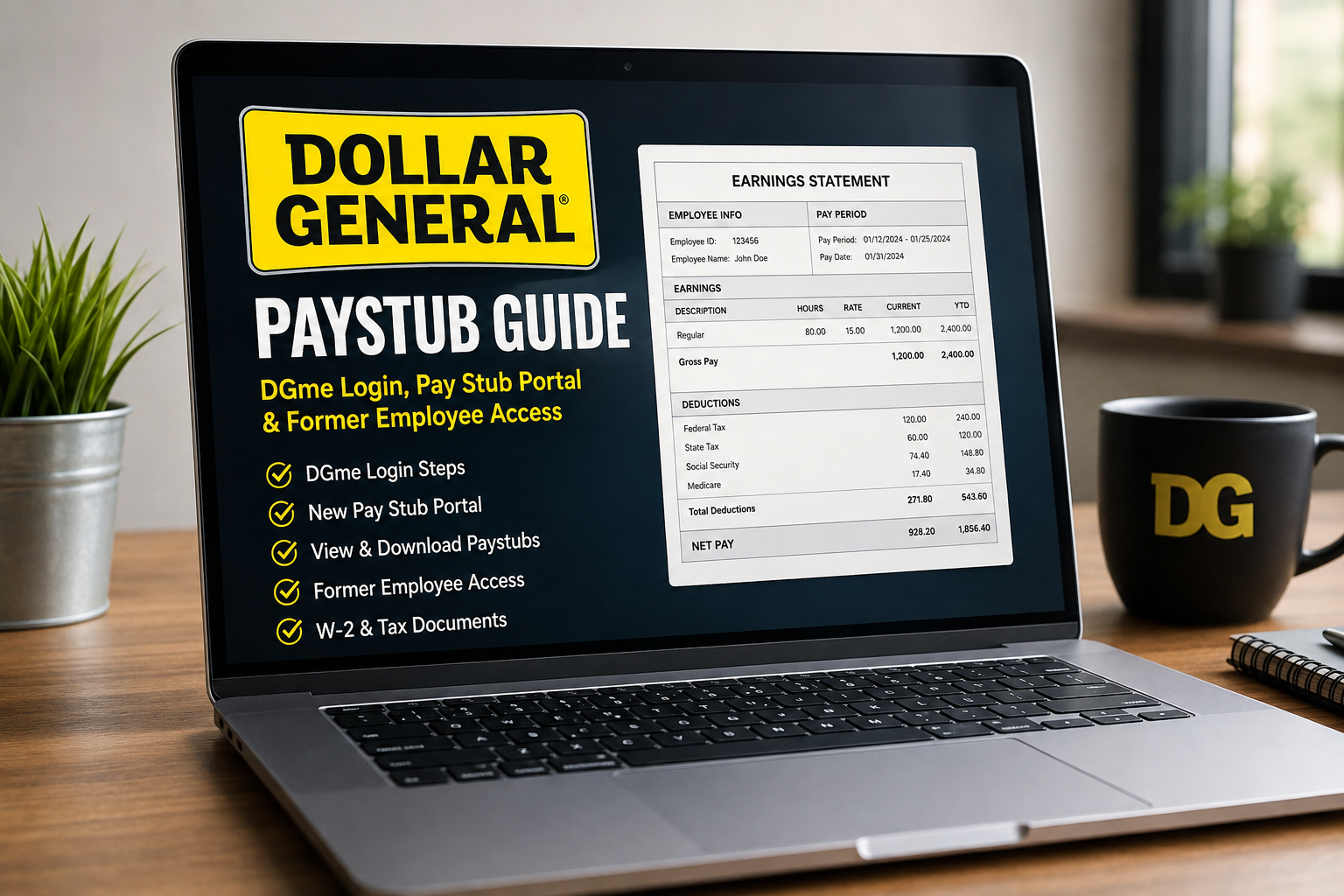
Dollar General Paystub 2026: DGme, New Pay Stub Portal & Former Employee Access
Quick Answer
If you need a Dollar General paystub, current employees can commonly start in DGme by Workvivo, open the Apps area, and select the available payroll or paystub resource. Dollar General also has a separate Money Network Pay Stub Portal for electronic pay-statement access.
The most important 2026 change is that the current Money Network portal tells all employees, including people who previously registered, to register again for the updated Pay Stub Portal. If your old login stopped working, do not assume your pay records disappeared.
Old Dollar General paystub login stopped working? The current Money Network portal requires previously registered employees to create a new User ID and password through its updated registration process. Re-register before repeatedly trying old credentials.
Security notice: ePaystubs is an independent payroll-information resource. It is not affiliated with Dollar General, DGme, Workvivo, Money Network, or Equifax. Never enter your Dollar General credentials or Social Security information into ePaystubs or an unfamiliar website.
Where Can You Get a Dollar General Paystub?
Dollar General employees can encounter several names while looking for payroll records: DGme, Workvivo, Money Network, and Pay Stub Portal.
That creates unnecessary confusion. The easiest way to find your Dollar General paystub is to identify what you actually need first.
| You need... | Best starting point |
|---|---|
| Latest paystub | DGme by Workvivo → Apps → payroll/paystub resource |
| Direct electronic pay statement access | Money Network Dollar General Pay Stub Portal |
| Old portal login no longer works | Register again for the updated Money Network portal |
| Forgot User ID | Use the portal's User ID recovery option |
| Forgot password | Use the current password-recovery option |
| Old paystubs after leaving Dollar General | Try the current portal/recovery route, then current former-employee support |
| W-2 | Check the applicable tax-document resource through employee tools |
| Employment or income verification | The Work Number may be the appropriate route |
DGme and the Pay Stub Portal Are Two Different Login Systems
This distinction is important because many online guides mix the two systems together.
DGme by Workvivo is a broader Dollar General employee-resource environment. Employee materials identify resources there for paystubs, W-2 access, employment verification, direct deposit, benefits, HR information, and other employee needs.
The Money Network Pay Stub Portal is a more specialized electronic pay-statement system with its own User ID and password process.
| System | Primary role | Important distinction |
|---|---|---|
| DGme by Workvivo | Broader employee resources and apps | Can provide a path to payroll, W-2, verification and other employee tools |
| Money Network Pay Stub Portal | Electronic pay statements | Has a separate registration, User ID and password process |
Simple way to remember it
Think of DGme as an employee-resource starting point and Money Network as the specialized paystub destination. Your exact path can vary depending on employment status and the employee resources currently available to your account.
Dollar General Paystub Login: Old Instructions vs Current 2026 Portal
This is where current information matters. Search results still contain instructions written for older Dollar General payroll flows.
| You may see online | What the current Money Network portal shows |
|---|---|
| Previously registered employees can simply use their old credentials | The updated portal currently requires all employees to re-register |
| Enter the last 4 SSN digits | Current Money Network registration asks for the last 3 digits |
| DGme and Pay Stub Portal are the same login | They are separate employee/payroll environments |
| You need a generic employer code to register | Current Money Network registration shows Employee ID, MMDD DOB and last 3 SSN digits |
| Search for any DGME app or portal | Use current employer-provided or verified payroll routes |
This difference is one reason an old Dollar General paystub tutorial may fail even if it worked for an employee in the past.
How Current Dollar General Employees Can Access Paystubs
If you currently work for Dollar General, begin with the employee resources already available to you rather than searching for a random login site.
Open DGme by Workvivo.
Use your current Dollar General employee access method.
Open the Apps area.
Look for the payroll or paystub-related resource available to your role.
Open the pay statement resource.
You may be routed into the dedicated electronic Pay Stub Portal.
Register again if required.
The current Money Network portal states that employees who previously registered
must also complete the updated registration process.
Select your pay period.
Review the appropriate statement and save or print it if the portal provides that option.
Do You Still Get a Paystub With Direct Deposit?
Yes. Direct deposit changes how your wages are delivered. It does not remove the payroll statement showing your earnings, taxes, deductions, net pay, and year-to-date totals.
Read our pay stub vs paycheck guide if you need a clearer explanation of the difference.
How to Register for the Updated Dollar General Pay Stub Portal
If your previous login suddenly fails, the updated registration requirement should be one of the first things you check.
Currently verified Money Network registration fields: Employee ID, date of birth in MMDD format, and the last three digits of the employee's Social Security number.
| Field | Current format |
|---|---|
| Employee ID | Your Dollar General employee identifier |
| Date of birth | MMDD — for example, June 12 = 0612 |
| SSN verification | Last 3 digits |
Once the system verifies your information, follow the instructions displayed by the current portal to create the new User ID and password.
Enter this information only after verifying that you are using the intended payroll route.
Can You Access a Dollar General Paystub From Home?
Dollar General employee materials state that DGme by Workvivo resources can be accessed anywhere internet access is available. Paystub-related resources are also available through the Apps section.
That means employees do not necessarily need to be standing at a store computer merely to review an electronic pay statement.
Important distinction: viewing your own pay information is different from performing job duties off the clock. Dollar General employee materials instruct hourly employees not to work off the clock.
If the portal does not behave correctly on one device, try your normal employee route from another compatible browser or device before entering credentials into an unfamiliar website.
Dollar General Paystub for Former Employees
Former employees often need old Dollar General paystubs for apartments, loans, unemployment documentation, tax questions, benefits applications, or proof of previous income.
If DGme or another active-employee tool no longer works after separation, do not immediately assume your pay history is unavailable.
Try the current Money Network Pay Stub Portal.
Use the current system rather than an old bookmark or a third-party portal.
Check the updated registration process.
The present Money Network notice says previously registered employees must register again.
Use User ID or password recovery when appropriate.
Separate recovery options are available on the current portal.
If online access fails, use a current Dollar General employee-support route.
Avoid assuming an old third-party phone number is still assigned to the same payroll function.
Check whether the requester really needs a paystub.
Some organizations want formal income or employment verification instead.
You can also review how to get pay stubs from a current or previous employer .
Dollar General Paystub Login Not Working? Match the Fix to the Problem
| Problem | Best thing to check first |
|---|---|
| Old User ID/password stopped working | Register again for the updated Money Network portal |
| Forgot User ID | Use the current User ID recovery option |
| Forgot password | Use the portal's password-recovery option |
| Registration details are rejected | Recheck Employee ID, MMDD DOB and last 3 SSN digits |
| DGme session ends repeatedly | Start a new session through the legitimate employee route |
| Captcha keeps repeating | Stop repeated attempts and try the legitimate DGme/direct payroll route from another supported browser or device |
| Latest paystub is missing | Confirm that the pay period has processed before escalating |
| Former employee cannot log in | Try updated registration/recovery, then current Dollar General support |
| Hours or earnings look wrong | Compare your statement with time records and report the discrepancy promptly |
| Need proof of employment rather than the statement | Check whether The Work Number is accepted |
Why Does DGme Say "Session Ended"?
Employee systems can expire an inactive login session. Close the expired session and sign in again through your normal employee-access route.
If DGme opens but the payroll resource repeatedly fails, verify that you are using the current payroll destination rather than following an old search result.
Why Does Registration Say My Information Is Incorrect?
Start with formatting. The current Money Network registration screen asks for Employee ID + MMDD date of birth + last three SSN digits.
Following an older article that tells you to provide different identity fields can cause unnecessary confusion.
What Is the Dollar General Employer Code?
This question causes a lot of confusion because the answer depends on which system you are trying to use.
| System or situation | What you should know |
|---|---|
| Money Network Pay Stub Portal registration | The current registration page asks for Employee ID, MMDD DOB and last 3 SSN digits. It does not show a separate employer-code field. |
| DGme employee access | This is a separate employee credential environment. Do not confuse its registration or recovery flow with Money Network. |
| The Work Number employment verification | Dollar General has identified company code 11010 in its employment-verification context. |
| Unknown third-party site requests an employer code | Stop and verify which service you are actually using before entering personal information. |
Do not enter 11010 into every Dollar General payroll screen. The code is associated with The Work Number employment-verification context. It is not the same thing as Money Network's current paystub registration process.
When Do Dollar General Paystubs Come Out?
Dollar General's 2025 employee handbook says employees should review paystubs every week and that paystubs are generally available online through DGme by Workvivo's Apps area on Tuesday afternoon.
Pay schedules vary by employee category, so a blanket statement such as “every Dollar General employee gets paid every Friday” is too broad.
| Employee group | Handbook pay schedule |
|---|---|
| Store and hourly distribution-center employees | Weekly, generally one week in arrears |
| Most store/hourly employees | Pay available Friday |
| Retail employees in Massachusetts and Vermont | Handbook identifies Thursday payday |
| Salaried employees | Semimonthly, generally around the 15th and 30th |
Paystub availability and bank deposit timing are not necessarily identical. Your electronic statement may appear before funds are available through your bank. Holidays and financial-institution processing can also affect deposit timing.
How Do You Get a Dollar General W-2?
A paystub and W-2 contain related payroll information, but they are used for different purposes.
A paystub shows an individual pay period. Your W-2 summarizes taxable wages and withholding for the calendar year and is used for income-tax filing.
Dollar General employee materials list W-2 access among the resources employees can find through DGme by Workvivo.
Former employees who cannot retrieve a required tax form should use current Dollar General tax-document or former-employee support channels. Do not recreate a W-2 or a Dollar General paystub and present it as an employer-issued record.
Need a Dollar General Paystub for an Apartment, Loan, Job or Benefits?
Many searches for Dollar General paystubs are really searches for proof of income.
An authentic employer-issued paystub can help document:
- Employee name
- Employer relationship
- Pay-period dates
- Gross earnings
- Taxes
- Deductions
- Net pay
- Year-to-date totals
A recent paystub may therefore be useful for apartment applications, loans, financing, training programs, government programs, or other situations requiring recent income evidence.
Dollar General Employment Verification and The Work Number
Dollar General's employee handbook states that the company uses The Work Number by Equifax for employment and income verification.
That distinction matters. If a lender, landlord, background-screening company, or government agency asks for employer-confirmed verification rather than a copy of your paystub, The Work Number may be the more appropriate route.
Dollar General has identified 11010 as its company code in The Work Number verification context.
Learn more about documents that may satisfy a request in our proof of income guide .
If someone specifically asks for an official Dollar General paystub, retrieve the authentic employer-issued record. Do not create, edit, or alter a document to make it appear that Dollar General issued it.
What If Your Dollar General Paystub Has Missing Hours or Wrong Pay?
Getting the paystub is only useful if you actually review it.
Dollar General employee materials instruct employees to check paystubs carefully each week to make sure they were paid for all hours worked.
- Pay-period dates
- Regular hours
- Overtime hours
- Hourly rate
- Other earnings
- Approved paid time
- Pre-tax deductions
- Taxes
- Benefit deductions
- Net pay
- Year-to-date totals
Compare the statement with your schedule and any time records available to you. If you find a discrepancy, report it promptly through the appropriate manager, payroll, or employee-support process.
You can use our detailed guide to reading a paystub if you are not sure what a field means.
How to Avoid Fake Dollar General Paystub Login Pages
Employee-payroll searches are attractive targets for imitation login pages because payroll accounts contain sensitive identity and financial information.
Before entering anything, check:
- Did you reach the page through a legitimate employee or payroll resource?
- Does the domain belong to the intended service?
- Are you being asked for information that does not match the current process?
- Did a random text, email or social-media post send you there?
- Does an unofficial site imitate Dollar General branding while asking for credentials?
Never send your full SSN, employee password, or payroll credentials through Reddit, social media, email, or a third-party paystub guide.
Dollar General Paystub FAQs
Where can I see my Dollar General paystub?
Current employees can commonly begin in DGme by Workvivo and use the Apps area to reach payroll resources. Dollar General also has a separate Money Network Pay Stub Portal for electronic pay statements.
Why is my old Dollar General paystub login not working?
The current Money Network Pay Stub Portal says employees who previously registered must register again for the updated system. Re-registration should therefore be one of the first things you check.
Do Dollar General employees have to register again in 2026?
The current Money Network notice says all employees, including previously registered employees, must re-register to access the updated Pay Stub Portal.
What do I need to register for the Dollar General Pay Stub Portal?
The current registration screen asks for Employee ID, date of birth in MMDD format, and the last three digits of the employee's Social Security number.
Is DGme the same as the Money Network Pay Stub Portal?
No. DGme by Workvivo is a broader employee-resource environment. Money Network's Pay Stub Portal is a separate system focused specifically on electronic pay statements.
Can I see my Dollar General paystub from home?
Dollar General employee materials indicate that DGme by Workvivo resources can be accessed where internet access is available. The Apps area can provide access to paystub resources. Hourly employees should still follow company rules against performing job duties off the clock.
How do former Dollar General employees get old paystubs?
Start with the current Money Network Pay Stub Portal and its updated registration or account-recovery options. If online access is unavailable after separation, use a current Dollar General former-employee support route.
What is Dollar General's employer code?
It depends on the service. The current Money Network paystub-registration screen does not show a separate employer-code field. Dollar General has identified company code 11010 for The Work Number employment-verification context.
When do Dollar General paystubs become available?
Dollar General's 2025 employee handbook says paystubs are generally available online through DGme by Workvivo's Apps section on Tuesday afternoon. Actual timing can change, so check the current employee system for your pay period.
Does Dollar General pay weekly?
The 2025 employee handbook says store and hourly distribution-center employees are paid weekly and one week in arrears. Salaried employees follow a semimonthly schedule, so not every Dollar General employee has the same pay frequency.
Can I use a Dollar General paystub as proof of income?
An authentic employer-issued paystub can often document recent earnings. Some organizations instead require employer-confirmed income or employment verification, which Dollar General handles through The Work Number.
Can I create a replacement Dollar General paystub myself?
If a landlord, lender, agency, or other verifier requires an official Dollar General paystub, obtain the authentic employer-issued statement. A self-created document should never be represented as an official Dollar General payroll record.
Bottom Line
The biggest Dollar General paystub change to understand in 2026 is the updated Money Network Pay Stub Portal registration process.
The live portal currently says that all employees, including previously registered users, must register again and create a new User ID and password. The registration screen asks for Employee ID, DOB in MMDD format, and the last three SSN digits.
That Money Network login should not be confused with DGme by Workvivo, which is the broader Dollar General employee-resource environment and can provide access to paystubs, W-2 resources, verification tools, direct-deposit information, and other employee services.
Former employees should try the current payroll and recovery routes first. If the real goal is employment or income verification rather than the actual statement, The Work Number may be the correct route.
Most importantly, use current employee/payroll resources and protect your Employee ID, password, birth date, and Social Security information.
Sources & Editorial Verification
- Money Network Dollar General Pay Stub Portal — checked August 29, 2026 for the current re-registration notice.
- Money Network Dollar General registration flow — checked August 29, 2026 for Employee ID, MMDD DOB and last-three-SSN requirements.
- Dollar General 2025 Employee Handbook materials — consulted for DGme by Workvivo, paystub timing, pay schedules, W-2 access and The Work Number guidance.
- Dollar General response published through the Better Business Bureau — consulted for The Work Number company-code context.
Editorial note: This guide was reviewed on August 29, 2026. Payroll platforms, employee portals, authentication rules, URLs, support channels, and pay schedules can change. If the current Dollar General or payroll system displays instructions that differ from an older guide, follow the current employer/payroll instructions.
ePaystubs is an independent payroll-information resource and is not affiliated with, sponsored by, or endorsed by Dollar General Corporation, DGme, Workvivo, Money Network, or Equifax.
Need Pay Stubs for Your Own Business?
If you are an employer or business owner who needs professional payroll records for wages you actually pay, ePaystubs provides tools for creating payroll documentation.
This service is separate from retrieving an authentic Dollar General employee paystub.
pay stub maker