
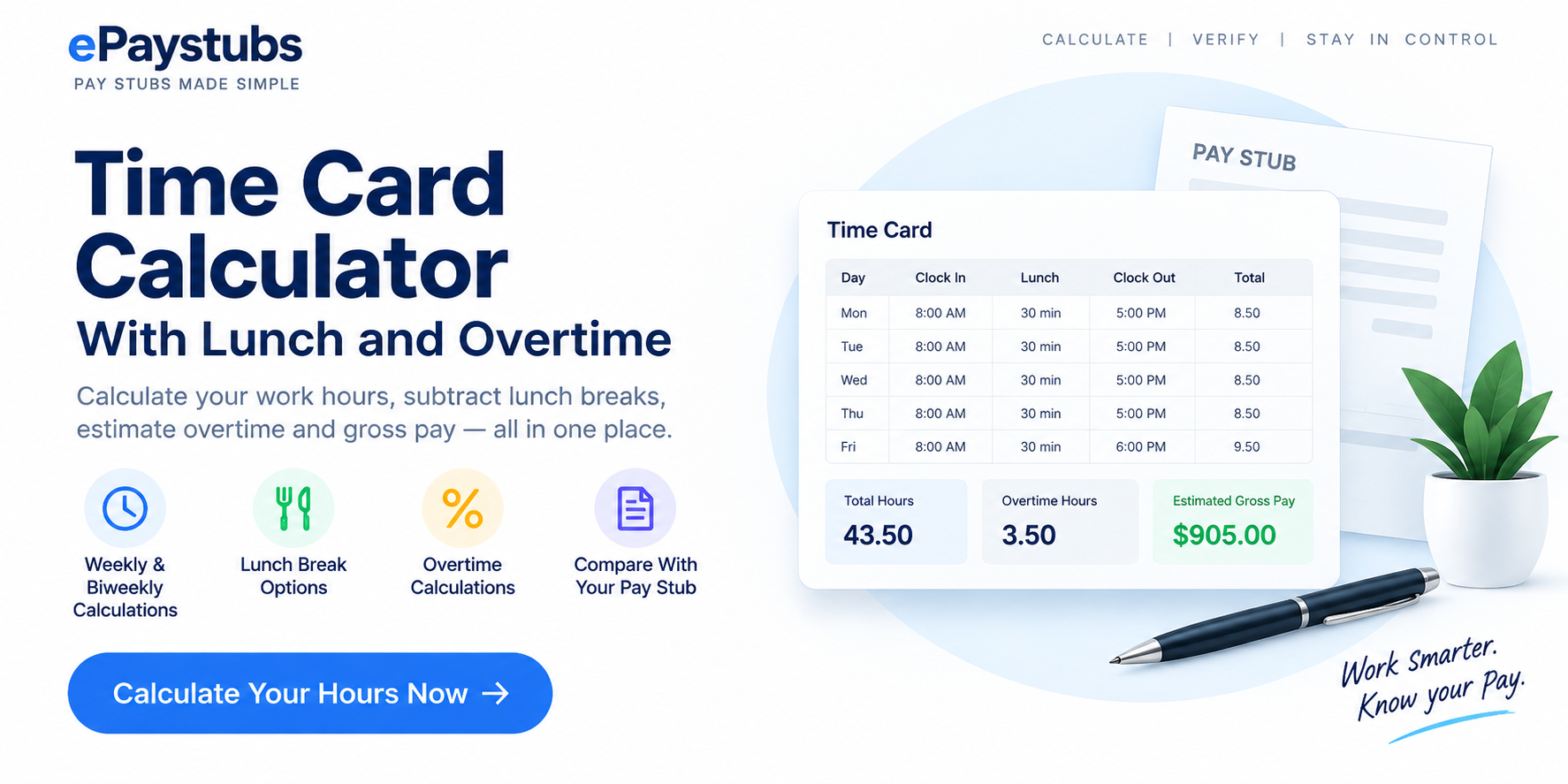
Free Time Card Calculator With Lunch and Overtime
Enter clock-in and clock-out times to calculate weekly or biweekly hours, subtract qualifying unpaid lunch breaks, estimate weekly overtime, and compare the result with your existing paycheck. This free time card calculator with lunch works without an account or uploading personal documents.
Time card calculator
Your entries are processed locally in this page. This tool does not transmit your time card or the comparison figures to ePaystubs. Avoid entering names, IDs, or other sensitive information.
Calculation results
| Workweek beginning | Paid hours | Regular | Overtime | Estimated gross |
|---|
Daily calculation breakdown
The raw time punches below are the entries you supplied. Review them against the approved employer timekeeping record.
| Shift date | Clock in | Clock out | Unpaid meal | Paid time |
|---|
| Day / shifts | Paid time | Unpaid lunch | Decimal hours |
|---|
Paycheck reconciliation: compare with your existing pay stub
Enter the current-period regular hours, overtime hours and gross earnings shown on your real pay stub. Leave a field blank if it is not listed. The comparison highlights differences; it cannot establish whether a payroll calculation is legally correct.
The export is a user-entered calculation summary, not an employer-issued time sheet or pay stub. Computed gross earnings exclude tax withholding and other payroll additions or deductions.
How to calculate a time card with lunch
Start with the exact clock-in and clock-out times for each shift. Subtract only the unpaid, duty-free meal time that is properly excluded from hours worked. Sum the actual paid minutes before converting to decimal hours; avoid rounding every individual shift to two decimals and then adding those rounded values. An employee working from 8:00 a.m. to 4:30 p.m. with a qualifying 30-minute unpaid lunch worked 8 paid hours, not 8.5 hours.
- Choose a seven-day or 14-day period and enter each shift on the day it begins. Add a second shift if you clock out and return later.
- Enter unpaid lunch minutes, or switch to exact lunch-out and lunch-in punches. A paid rest break stays within paid shift time.
- Set the hourly rate, the employer's fixed workweek start day and time, and your overtime assumptions.
- Calculate. Check the daily breakdown and each workweek separately. Print or export the report if you need to review your records.
| Example | Calculation | Paid hours |
|---|---|---|
| 8:00 a.m. to 4:30 p.m.; 30-minute unpaid lunch | 8 h 30 m − 30 m | 8:00 / 8.0000 decimal |
| 7:45 a.m. to 4:15 p.m.; 45-minute unpaid lunch | 8 h 30 m − 45 m | 7:45 / 7.7500 decimal |
| 10:00 p.m. to 6:00 a.m.; 30-minute unpaid lunch | 8 h − 30 m | 7:30 / 7.5000 decimal |
Decimal time is calculated as hours + minutes ÷ 60: 8 hours and 15 minutes is 8.25 hours, but 8 hours and 8 minutes is approximately 8.1333 hours, not 8.08 hours. This calculator uses exact minute allocations internally and rounds displayed pay to cents. Clock times are treated as local wall-clock entries; a shift crossing a daylight-saving time change requires manual verification against actual elapsed time.
Paid and unpaid lunch breaks: what to enter
Do not treat every break as unpaid. Under federal guidance, short rest periods of roughly 5 to 20 minutes are ordinarily compensable. A bona fide meal period, typically at least 30 minutes, generally can be unpaid if the employee is completely relieved of duty. Working while eating can change the treatment. See the U.S. Department of Labor's hours-worked guidance.
| Break scenario | Tool input | Why |
|---|---|---|
| 30-minute duty-free unpaid lunch | Subtract 30 minutes | Lunch is excluded from paid hours. |
| 15-minute paid rest break | Do not subtract | It remains within paid work time. |
| Lunch interrupted by actual work | Check the actual compensable minutes before entering a deduction | Automatic subtraction may understate time worked. |
The calculator flags suspiciously short unpaid breaks for review; it does not decide whether a break is legally compensable in your jurisdiction.
Weekly and biweekly time cards: calculate overtime by workweek
For covered, nonexempt employees, the federal baseline generally requires overtime pay at no less than 1.5 times the regular rate for hours worked over 40 in a fixed 168-hour workweek. A biweekly pay period does not permit two workweeks to be averaged to avoid overtime. A 44-hour first week and a 36-hour second week still contain four weekly overtime hours under that baseline. Read the DOL overtime fact sheet.
The default pay estimate uses one constant base hourly rate multiplied by regular hours, plus overtime hours multiplied by that rate and the selected multiplier. Some workers need a different regular-rate calculation or more protective state rules. The tool intentionally does not present its result as a legal wage determination.
How the calculator handles overnight shifts
Enter a shift that begins at 10:00 p.m. and ends at 6:00 a.m. on the next day as one shift on its starting day. The calculator allocates its paid minutes across actual date and workweek boundaries, so work performed after midnight is not automatically assigned to the first calendar day. To prevent ambiguity, each entered shift must be shorter than 24 hours. Split longer or multi-day work periods into separate records and verify the result.
When a workweek begins during an overnight shift, the calculator allocates paid and unpaid minute segments on both sides of the boundary. Set the actual lunch punches whenever the timing of a meal could change the weekly overtime allocation. A minutes-only lunch entry is assumed to fall at the midpoint of the shift, which is an estimate and is identified in the results.
Why calculated time-card hours may differ from your pay stub
First check that the time card and pay stub cover the same pay-period dates. Then inspect missing punches, time-zone or daylight-saving changes, paid leave, overnight shift allocations, lunch deductions, employer-approved rounding, overtime workweek cutoffs, and any retroactive adjustments. Compare regular hours and overtime hours separately before comparing gross pay. The existing ePaystubs guide Pay Stub Hours Don't Match Your Timecard? provides a more detailed follow-up checklist.
Do not compare this gross-pay estimate with net pay after taxes and deductions. Use the current earnings fields of your existing statement, not year-to-date totals. For field labels, consult How to Read a Pay Stub and Gross vs. Net Pay.
Preparing payroll records?
After confirming approved time records and actual earnings, authorized employers can use the ePaystubs pay-stub tools to prepare legitimate statements. This calculator report alone is not evidence that wages were paid and should not be used to invent or alter employment records.
Time card calculator FAQs
Does a 30-minute lunch count toward paid hours?
A qualifying duty-free unpaid meal usually does not count as hours worked under the federal baseline. If you worked during part or all of lunch, the treatment may differ. Enter only minutes properly excluded from paid time.
How do I calculate biweekly overtime?
Compute overtime independently for each fixed workweek, even when the paycheck covers two weeks. Forty-four hours one week plus 36 the next yields four federal weekly overtime hours for a covered, nonexempt employee under the usual 40-hour threshold.
What is 8 hours and 15 minutes in payroll decimals?
8 + 15 ÷ 60 = 8.25 decimal hours. Minutes use a base of 60, not a base of 100.
Does this calculator calculate take-home pay?
No. Gross pay is before payroll taxes, benefit deductions and other adjustments. Compare the estimate with current-period gross earnings, not net pay.
Can I use the exported report as an official pay stub?
No. It is a user-entered calculation summary. Only authorized employers or payroll providers can issue authentic payroll records using substantiated hours and earnings.
Official sources and related guides
- U.S. Department of Labor: Fact Sheet #22, Hours Worked.
- U.S. Department of Labor: Fact Sheet #23, Overtime Pay.
- Pay Stub Hours Don't Match Your Timecard?
- How to Read a Pay Stub
- Gross Pay vs. Net Pay
- Salary to Hourly Calculator
General educational estimate for one base hourly rate and a selected workweek. State and local laws, union or employment agreements, bonuses, shift premiums, actual employer policies, rounding rules, and exemption status can change the proper payroll result. Seek qualified payroll or wage-and-hour advice for a disputed calculation. This page does not determine legal compliance.