
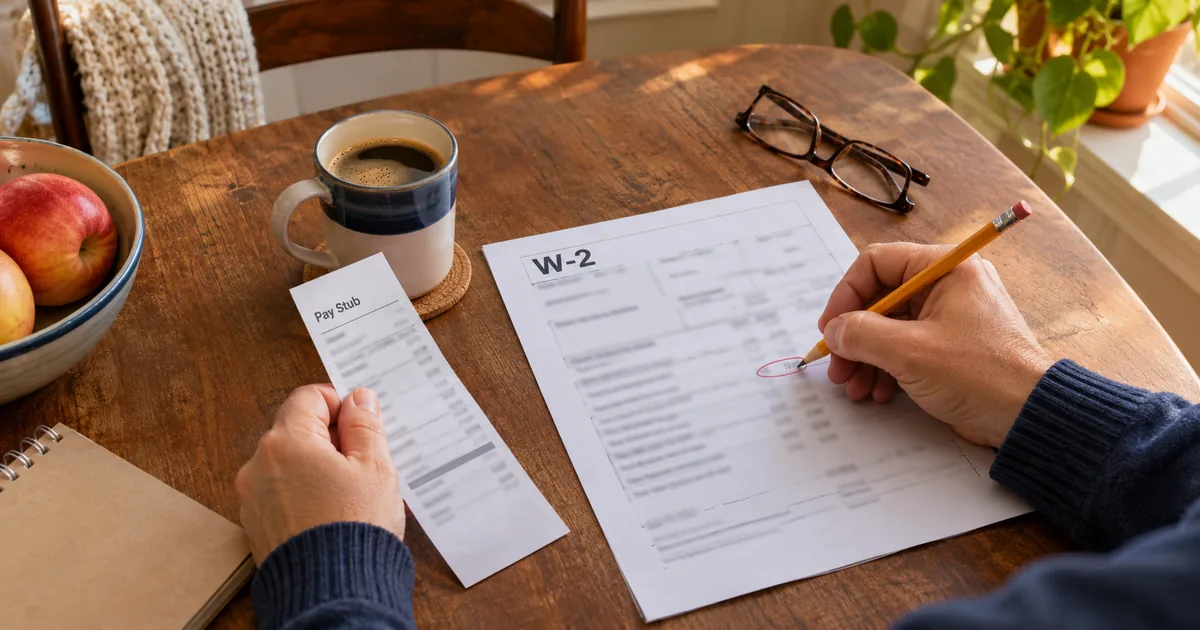
My W-2 Is Wrong: What Employees Should Check and How to Get It Fixed
If your W-2 looks wrong, the best first step is to identify the specific field and ask your employer's payroll department to review it. Employers, not employees, generally issue corrected W-2 statements. The way to fix an incorrect name can differ from the way to fix wages or withholding.
Quick answer: Compare your W-2 with your final 2026 payroll records, gather evidence for the disputed field, request an employer correction, and keep your written request. If the problem is still unresolved after the end of February, the IRS provides an incorrect-W-2 assistance procedure.
Which W-2 details should you check first?
| W-2 field | What might be wrong? | What to compare it with |
|---|---|---|
| Employee name/SSN | Misspelling, wrong number, name mismatch | Your Social Security record and employer payroll profile |
| Box 1 | Wages seem too high or too low | Final year-to-date federal taxable wages and adjustments |
| Box 2 | Federal income tax withheld differs | Payroll withholding totals |
| Boxes 3–6 | Social Security or Medicare wages/taxes are inconsistent | Payroll tax records and applicable rules |
| Box 12 | Retirement or other code missing/incorrect | Plan records and payroll benefit statements |
| Boxes 15–20 | Wrong state, locality, or tax amounts | Payroll state allocations and withheld taxes |
Not all differences are mistakes. Box 1 can legitimately be lower than gross salary, and boxes 1, 3, and 5 do not always match. Before reporting an error, read the W-2 boxes explained or pay stub vs W-2 comparison.
Step 1: collect evidence
Find your final 2026 pay stub, relevant prior pay stubs, bonus or correction statements, and payroll portal records. If a Social Security number or name is wrong, verify the correct information securely with the employer. Avoid sending complete Social Security numbers over an unsecured email thread.
Step 2: tell payroll exactly which box looks wrong
A useful request says: “My 2026 W-2 shows $42,100 in box 1, but my year-end payroll report shows $43,650 in federal taxable wages. Could you review the difference and confirm whether a corrected W-2 is needed?”
Specific details help payroll investigate pretax deductions, adjustments, and timing differences. An email saying only “my W-2 is wrong” may create a longer back-and-forth.
Step 3: ask for a corrected form when appropriate
When an already-filed W-2 contains a correctable error, the employer generally files Form W-2c with SSA and furnishes a corrected statement to the employee. An employer may handle an address-only issue differently under the IRS's special reissue rules. Do not use an online W-2 creator to impersonate an employer and replace the official statement.
For employers and payroll staff, the relevant preparation page is the W-2c Form Generator. Employees should request the correction from the issuing employer.
Step 4: contact the IRS if the correction never comes
For 2026 wage statements, employers generally must furnish W-2s by February 1, 2027. If an employer has not corrected a material error despite your requests by the end of February, the IRS incorrect-W-2 guidance says you can call 800-829-1040 or seek help at an IRS Taxpayer Assistance Center.
The IRS may contact your employer and provide Form 4852 instructions if you need to use supported estimates because a corrected form remains unavailable. Keep records of your communications and the figures you used.
Example: actual error or normal difference?
Suppose a worker earned $60,000 in cash salary and made $3,000 in traditional 401(k) deferrals during 2026. Under a simplified assumption of no other adjustments, box 1 could show $57,000 even though Social Security and Medicare wages could be $60,000. That difference can be normal because the accounts measure different taxable wage bases.
But if payroll confirms that a separate $1,200 taxable bonus was omitted from the annual W-2 when it should have been included, that may require a correction. The employer must determine the appropriate changes across the affected boxes.
What if you already filed your tax return?
If a corrected W-2 changes figures reported on your filed federal return, review whether you need to amend the return using Form 1040-X. Do not automatically amend for a typo that does not affect your tax reporting; follow the actual correction and the IRS instructions. A tax professional can help when wage allocations or multiple states are involved.
Frequently asked questions
Does an employee need to file a W-2c?
Normally the employer prepares and files the corrected employer wage statement. The employee may need to take separate action on their own tax return.
My address is wrong. Do I need a new W-2?
The IRS allows certain employee-copy reissue methods for address-only errors. An employer generally should not file an SSA W-2c merely to correct an address if the other information is right.
My W-2 shows less income than my annual salary. Is that a mistake?
Not necessarily. Pretax retirement deductions and other payroll items can make federal taxable wages differ from salary or gross pay. Compare the same wage basis rather than assuming they should match.
Can I edit my employer's W-2 PDF myself?
No. Editing an issued W-2 does not create a valid employer correction. Ask the employer to investigate and issue the appropriate correction.