
What Is on a Pay Stub? Earnings, Deductions, YTD, and Net Pay Explained
Home › Blog › What Is on a Pay Stub
Written by the ePaystubs Editorial Team · Last updated: June 2026
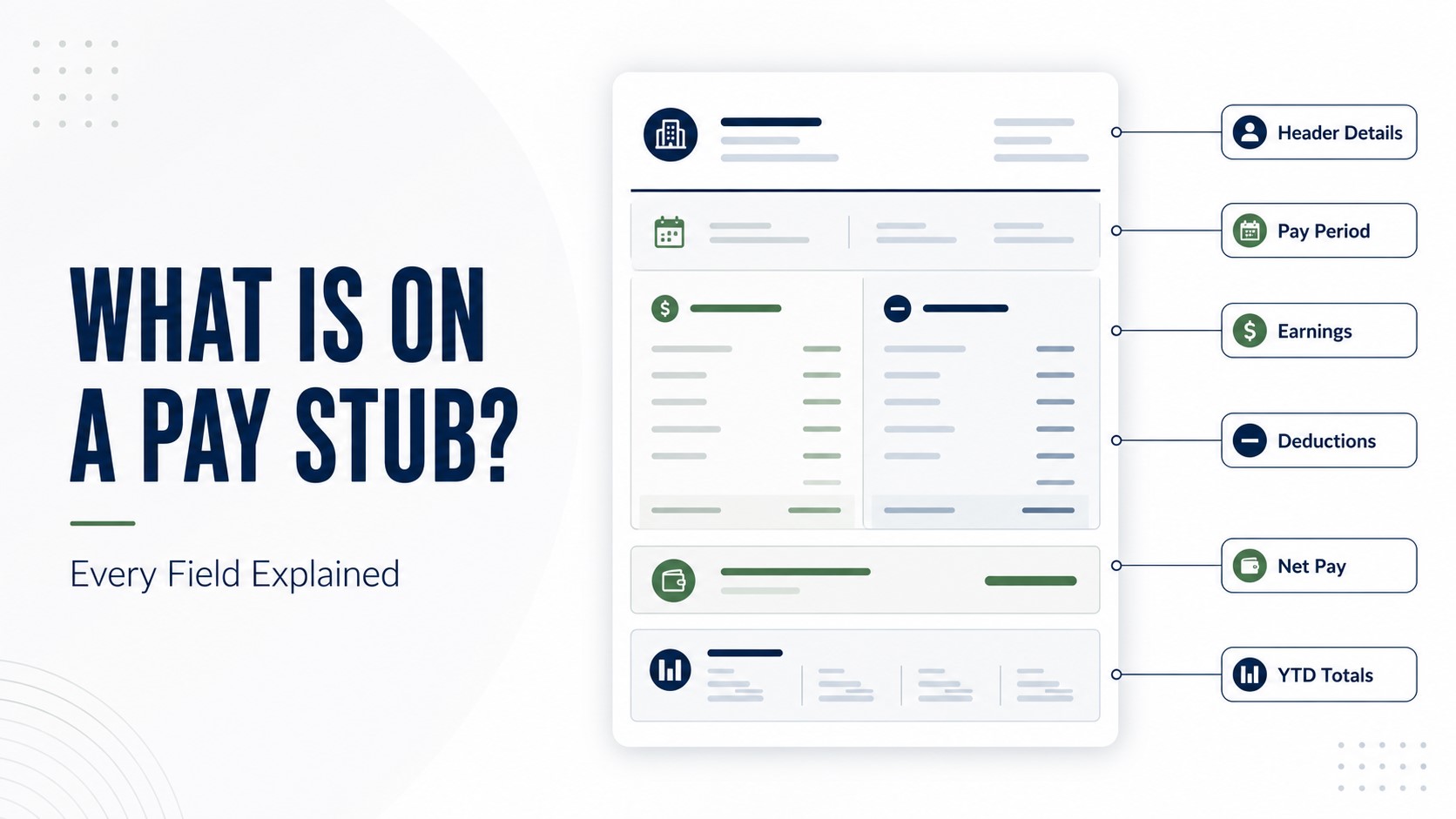
A pay stub shows your earnings, the taxes withheld, any other deductions, your net pay, and your year-to-date totals. Along the top it lists header details like the employer, the employee, the pay period, and the pay date. Read together, those fields explain how the amount you were paid was worked out, from your gross pay at the top down to the take-home figure at the bottom.
The quick version: a pay stub has a few standard sections, header and ID details, earnings, taxes, other deductions, net pay, and year-to-date totals. Once you know what each one is, the whole stub reads quickly.
This guide walks through every field, explains what year-to-date means, and points out which fields matter for proving income. If you want the bigger picture of the document itself, our guide on what a pay stub is covers it in depth.
Every field on a pay stub, explained
Most pay stubs follow the same layout, grouped into a handful of sections. Here is each field and what it means.
| Field | What it means |
|---|---|
| Header and ID details | |
| Employer name and address | The company paying you |
| Employee name and ID | You, and your payroll or employee number |
| Pay period | The date range the paycheck covers |
| Pay date | The day you are actually paid |
| Earnings | |
| Gross pay | Your total earnings for the period before anything is taken out |
| Hours and rate | Hours worked and your hourly or salary rate |
| Overtime | Extra pay for hours beyond your regular schedule |
| Bonuses, commissions, tips | Any added earnings on top of base pay |
| Taxes | |
| Federal income tax | Withheld based on the W-4 you filled out |
| State and local income tax | Withheld where these taxes apply |
| FICA (Social Security and Medicare) | The payroll taxes that fund Social Security and Medicare |
| Other deductions | |
| Health insurance | Your share of medical, dental, or vision premiums |
| Retirement | Contributions to a plan like a 401(k) |
| Garnishments | Court-ordered amounts, such as child support |
| Net pay | |
| Net pay | Your take-home amount after all deductions, the bottom line |
| Year-to-date | |
| YTD totals | Running totals of earnings, taxes, and deductions since January 1 |
To see how those sections fit together, here is a short fictional example. The names and numbers are made up to show the layout only.
Fictional sample, for illustration only
Employee: Jordan Rivera (ID 00482)Pay period: June 1 to June 15
Gross pay$2,000.00
Federal income tax-$210.00
Social Security and Medicare-$153.00
State income tax-$67.00
Health insurance-$50.00
Net pay$1,520.00
Header and ID details
The top of the stub identifies who is being paid, by whom, and for what stretch of time. The pay period is the date range the paycheck covers, while the pay date is the day the money is issued. Those two are easy to mix up, so it helps to read them together.
Earnings
The earnings section starts with gross pay, your total before anything comes out, and breaks it down into hours, rate, overtime, and any bonuses or commissions. Gross pay sits near the top and net pay sits at the bottom, and the gap between them is the deductions. If you want that comparison in full, see our guide on the difference between gross pay and net pay.
Taxes
Next come the taxes withheld: federal income tax, state and local tax where they apply, and FICA, which covers Social Security and Medicare. The amount of federal tax withholding depends on the details you entered on your W-4, which is part of why two coworkers with the same pay can have different amounts withheld.
Other deductions
Below taxes you will see other deductions, like your share of health insurance, retirement contributions, and any garnishments. Some come out before tax is calculated and some after. Each line is money leaving your gross pay for a specific reason, and the short codes next to them can look cryptic. If you want to decode those abbreviations one by one, that is worth a closer look on its own, which we cover in how to read a pay stub.
Net pay
Net pay is the figure most people look for first. It is what is left after every tax and deduction, the amount that actually reaches your bank account or check. You will usually find it set apart at the bottom, sometimes labeled take-home pay.
What YTD means on a pay stub
YTD stands for year-to-date. Next to many of the figures on your stub, you will see a YTD column showing the running total for the year so far, not just this pay period.
YTD gross: everything you have earned since January 1, before deductions.
YTD taxes: all the tax withheld so far this year.
YTD deductions: the running total of benefits and other deductions.
YTD net: your take-home pay for the year to date.
These totals climb with every paycheck and reset to zero each January 1. At year end, your final YTD figures are what your employer uses to build your W-2, which is a separate annual tax form. If you are unsure how the two relate, our guide on how a pay stub differs from a W-2 explains it.
Does a pay stub show direct deposit?
A pay stub can note how you were paid. If your wages go in by direct deposit, the stub often shows your net pay and a short payment line, sometimes with the last few digits of the account. It does not show your full bank details. For more on this, see our guide on whether a pay stub shows direct deposit.
Which fields matter for proof of income?
When you use a pay stub to prove income, a few fields do most of the work: gross pay, net pay, the year-to-date totals, the employer name, and the pay period. Lenders and landlords often want a recent stub, with year-to-date figures dated within about 30 days of your application, so they can confirm both how much and how steadily you earn. A stub should always reflect real, accurate pay.
What employers should include
If you run payroll, a clear stub lets the employee follow the whole path from gross to net. A useful stub includes the items below.
- Header details: employer, employee, pay period, and pay date
- Earnings: gross pay, hours, rate, and any overtime or bonuses
- Taxes: federal, state and local, and FICA
- Other deductions: benefits, retirement, and any garnishments
- Net pay and the year-to-date totals
- Records kept on file, since the U.S. Department of Labor requires employers to retain payroll records
There is no single federal list of required fields, and pay stub or wage statement rules vary by state. If you have employees in more than one state, follow the rules of each state where they work.
A quick check for employees
When a new stub arrives, a short scan catches most problems.
- Your name, your employer, and the pay period are correct
- Your hours and pay rate match what you worked
- The deductions look familiar
- Net pay equals gross pay minus the total deductions
- The year-to-date totals are climbing as you would expect
Want to see what it looks like?
If a labeled example would help you match these fields to a real layout, our guide on what a pay stub looks like shows a sample with each part marked. If you need to produce a clean record that includes every standard field, a pay stub maker lays them all out for you. You can use our paystub generator to organize the correct fields, or start from a pay stub template. Whatever you create should reflect real, accurate pay.
So the bottom line: once you know the sections, a pay stub reads like a simple summary of what you earned, what came out, and what you kept.
Frequently asked questions
What is on a pay stub?
Your earnings (gross pay, hours, rate, overtime), the taxes withheld, other deductions, net pay, and year-to-date totals, plus header details like the employer, the employee, and the pay period.
What information should a pay stub include?
The same standard fields, though the exact required list varies by state. A clear stub shows earnings, deductions, taxes, net pay, and year-to-date totals.
What does gross pay mean on a pay stub?
Your total earnings for the period before any deductions. It sits near the top of the earnings section.
What does net pay mean on a pay stub?
Your take-home pay after all taxes and deductions. It is the bottom-line figure on the stub.
What does YTD mean on a pay stub?
Year-to-date. It is the running total of your earnings, taxes, and deductions since January 1, and it resets each January 1.
Does a pay stub show taxes and deductions?
Yes. It itemizes federal, state, and local tax, FICA, and other deductions like benefits and retirement contributions.
Does a pay stub show direct deposit?
It can show your net pay and a short payment line, sometimes with the last few digits of the account, but not your full bank details.
Does a pay stub show bank account information?
Usually only a partial account number or a note that pay was deposited, not your full bank details.
Can a pay stub be used as proof of income?
Yes. The gross, net, and year-to-date figures, along with the employer name and pay period, are what verifiers use.
Do employers have to provide pay stubs?
There is no federal pay stub law, but most states require some form of pay statement, and employers must keep payroll records. Rules vary by state.
Can a pay stub generator include all pay stub fields?
Yes. A pay stub generator lays out every standard field, from earnings and deductions to net pay and year-to-date totals, on a clean stub.
Related reading