
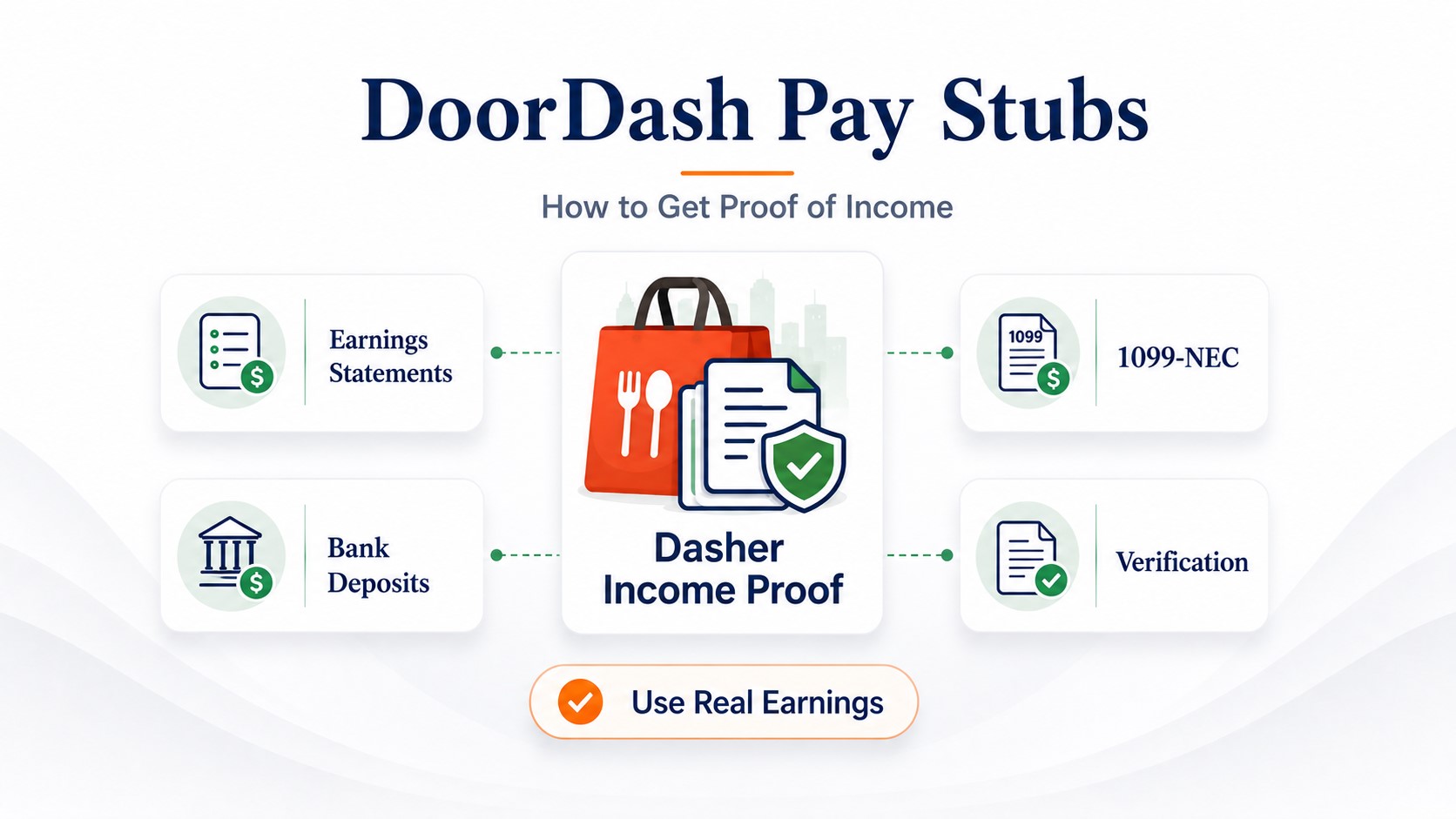
DoorDash Pay Stubs: Proof of Income, Earnings Statements & Verification
DoorDash does not normally issue traditional employee pay stubs to Dashers. If someone asks for a “DoorDash pay stub,” the official record to download first is your monthly earnings statement from the Dasher app. Open Earnings → Earnings statements, choose the correct year and month, then save the statement. If you are looking for DoorDash pay stubs, the closest official recent-income record is usually the monthly DoorDash earnings statement available in the Dasher app.
For rent, a loan or another formal income-verification request, the recipient may also ask for matching bank deposits, Truework verification, tax returns, a 1099 or a profit-and-loss statement.
A request for a DoorDash pay stub is confusing because Dashers generally earn as independent contractors rather than employees on DoorDash payroll. The income is real, but the official records do not look exactly like an employee wage statement.
The best approach is to start with DoorDash-issued or independently verifiable records, then add supporting financial documents only when the landlord, lender or other recipient asks for them.
DoorDash pay stub: monthly earnings statement.
DoorDash income verification: earnings records and, when requested by an authorized third party, Truework verification.
DoorDash annual income record: applicable tax documents and filed self-employment records.
- Does DoorDash give pay stubs?
- Download a DoorDash earnings statement
- Weekly pay vs monthly statements
- What the earnings statement shows
- Which income record should you use?
- DoorDash income verification through Truework
- Proof of income for an apartment
- Proof of income for a car or personal loan
- DoorDash income for a mortgage
- Missing or deactivated-account statements
- Request DoorDash payment history
- What if screenshots are rejected?
- DoorDash statement vs 1099
- What if they insist on a traditional stub?
Does DoorDash Provide Pay Stubs to Dashers?
Not in the traditional employee-payroll sense. Dashers generally work as independent contractors, so DoorDash does not normally issue an employee pay stub showing an hourly wage or salary, employer payroll deductions, employee tax withholding and employer benefit contributions.
Instead, DoorDash provides earnings records. For recent income documentation, the most useful official record is the monthly earnings statement available through the Dasher app. So if someone asks how to get pay stubs from DoorDash, start with your official earnings statement rather than trying to find a traditional employee payroll stub.
Simple distinction: an employee pay stub is generated through employer payroll. A DoorDash earnings statement documents income connected with your Dasher account. It may help solve the same proof-of-income problem, but it is not an employee payroll stub.
How to Get a DoorDash Earnings Statement
DoorDash's current Dasher instructions describe downloadable monthly earnings statements inside the Dasher app. A DoorDash earnings statement can serve as a recent income record, but whether it is accepted as proof of income depends on the landlord, lender, or other recipient.
If only one year is available, the app may move directly to the available months.
Keep an original copy for your own records.
For formal applications: use the official statement from your account rather than a recreated DoorDash screen. If the recipient requires a particular file format, ask whether it accepts the saved statement, a printed copy or another official record.
DoorDash Can Pay Weekly—So Why Are Earnings Statements Monthly?
This is one of the most common points of confusion.
DoorDash can use a weekly payout schedule for Dasher earnings, while the current downloadable earnings statements are organized by month.
Those are two different things:
| Record or event | What it means |
|---|---|
| Weekly payout | The schedule used to transfer eligible earnings to the Dasher. |
| Monthly earnings statement | A reporting document organizing DoorDash earnings for a selected month. |
| Bank deposit | The actual payment transaction received by the bank or financial account. |
So a Dasher can receive money during several weekly payout cycles while using one monthly statement to document that month's DoorDash earnings.
What Does a DoorDash Earnings Statement Show?
A monthly earnings statement can help document income associated with the Dasher account for the selected reporting period.
DoorDash can change app layouts or statement fields, so the safest approach is to review the actual statement generated from your account rather than rely on a generic sample.
For an income-verification request, the important questions are usually:
- Which month or reporting period does the statement cover?
- Does the record contain enough account information to connect it with you?
- What earnings amount does DoorDash report?
- Does the amount make sense compared with your payment history?
- Can supporting bank or tax records explain any differences?
Do not confuse platform earnings with net business profit. A lender may need to consider vehicle costs and other business expenses when evaluating self-employment income. The gross amount visible through DoorDash does not automatically equal qualifying net income.
Which DoorDash Income Record Should You Use?
| Record | Best for | What it does not necessarily prove |
|---|---|---|
| Monthly DoorDash earnings statement | Recent DoorDash earnings | Annual net business profit |
| Bank statement | Showing DoorDash-related deposits were received | Gross platform earnings or business expenses |
| Truework verification | Third-party income verification when the requesting organization uses that process | That every landlord or lender will use the same verification method |
| DoorDash payment history | Documenting payments over a requested period | Taxable net profit |
| Form 1099 | Annual information-reporting history where applicable | Current monthly earnings |
| Tax return / Schedule C | Reported self-employment income and expenses | What you earned this week or month |
| Profit-and-loss statement | Current business revenue and expenses | Independent third-party verification by itself |
If DoorDash is only one of several apps you use, see our proof-of-income guide for gig workers for a multi-platform document strategy.
How Does DoorDash Income Verification Work?
Some landlords, lenders or other authorized organizations may prefer independent income verification rather than relying only on documents supplied directly by the applicant.
DoorDash directs qualifying third-party verification requests through Truework. DoorDash income verification may involve earnings statements, supporting financial records, or third-party verification through Truework when the requesting organization requires it.
Ask the landlord, lender or verifier whether it uses Truework for DoorDash income verification. Follow any authorization instructions sent to you.
The requesting organization initiates the verification request through the appropriate Truework process.
Important: the Dasher should not create a request pretending to be the landlord, lender or other verifier. The third party initiates the verification request when that process is required.
This makes Truework different from downloading your own monthly DoorDash statement. One is a third-party verification process; the other is a self-service DoorDash record.
Can You Use DoorDash as Proof of Income for an Apartment?
DoorDash income can be presented as gig or self-employment income, but the landlord or screening company determines which documents it accepts.
A practical starting packet may include:
- recent monthly DoorDash earnings statements;
- matching DoorDash-related bank deposits;
- Truework verification if the property uses it;
- a recent tax return or applicable 1099 when longer income history is requested; and
- a truthful P&L when the screening process specifically requires current business income and expenses.
Why multiple records can help: the DoorDash statement shows the source earnings, while the bank record can help demonstrate that payments were actually received.
Housing programs and screening processes can treat gig income differently, so do not assume every property requires the same number of months or the same income-to-rent ratio.
For the broader rental documentation question, see proof-of-income documents landlords may request for an apartment.
How to Use DoorDash Proof of Income for a Car or Personal Loan
A car or personal-loan provider may start with recent DoorDash statements and matching deposits, but it can request additional self-employment records.
Depending on the underwriting process, supporting records may include:
- several recent monthly DoorDash statements;
- bank statements;
- tax returns;
- applicable 1099 forms;
- a current P&L; or
- independent verification.
Ask the lender for its actual document checklist before sending sensitive financial information.
If the request specifically involves vehicle financing, see how proof of income works for a car loan.
Can You Use DoorDash Proof of Income for a Mortgage?
DoorDash income may potentially be considered as self-employment income, but a monthly app statement is usually only one supporting record in a mortgage file.
Mortgage lenders commonly evaluate the stability and continuation of self-employment income using broader tax and business records. Depending on the loan file, this can include filed federal tax returns, Schedule C information and current profit-and-loss data.
Do not treat one DoorDash statement as a mortgage qualification document. It can support the file, but the lender determines qualifying self-employment income using its full underwriting requirements.
For the deeper calculation, see how mortgage lenders evaluate self-employed net income.
When Might a Dasher Need a Profit-and-Loss Statement?
A P&L organizes business revenue and expenses over a defined period.
That makes it different from a DoorDash earnings statement:
- DoorDash statement: platform earnings.
- Bank statement: money received in the account.
- P&L: business revenue and expenses.
- Tax return: income reported under tax rules for the filed period.
A lender may request a current year-to-date P&L when it wants a more recent view of self-employment performance than the latest filed tax return provides.
If you need a broader self-employment documentation strategy, see how self-employed workers prove income.
What If Your DoorDash Earnings Statement Is Missing?
The month is not available
Confirm that the reporting period has been completed and that you selected the correct year and month.
The statement will not open or save
- restart or update the Dasher app;
- check the selected year and month;
- check where the device saves downloaded/shared files; and
- contact DoorDash Support if the statement remains unavailable.
Your Dasher account was deactivated
DoorDash instructs Dashers who cannot access earnings statements, including those with deactivated accounts, to contact Support. Include the account email and the reporting period you need.
New York Dashers: DoorDash says New York Dashers can contact Support to request Dash History covering up to four years. This is a specific New York option and should not be assumed to apply everywhere.
How to Request DoorDash Payment History
If the monthly earnings statement does not cover the period or information you need, DoorDash also has a support process for requesting proof of payments received for independent-contractor work.
When contacting Support:
- use the email associated with your Dasher account;
- state the exact dates you need;
- explain that you need proof of DoorDash payment history; and
- keep the original response and any attachment supplied.
This can be especially useful when a recipient needs older income history that is not easily accessible through the current monthly-statement screen.
What If a Landlord Rejects a DoorDash Screenshot?
An app screenshot may show an earnings number without enough identifying or reporting-period information for formal verification.
If a screenshot is rejected:
- download the official monthly earnings statement;
- keep your identifying information and reporting period visible where required;
- add matching bank deposits when requested;
- ask whether the property uses Truework verification;
- provide tax or P&L records if the property specifically requires them; and
- avoid exposing unrelated personal information that the reviewer does not need.
Do not solve a rejected screenshot by creating a fake DoorDash pay stub. The better solution is a stronger genuine source record.
DoorDash Earnings Statement vs. 1099: What Is the Difference?
| Record | Time period | Best use |
|---|---|---|
| DoorDash monthly earnings statement | One month | Recent platform earnings |
| Form 1099 | Calendar year | Annual information reporting where applicable |
| Tax return / Schedule C | Tax year | Reported self-employment income and business expenses |
A 1099 can help document historical DoorDash income, but it is not a substitute for a current monthly earnings statement when someone needs recent income.
2026 federal threshold note: current IRS guidance says the general Form 1099-NEC reporting threshold for covered payments made in 2026 is $2,000, up from $600 for prior years. DoorDash's public Help content may not always update at the same time as federal rules, so use current IRS guidance for the federal reporting threshold. A payer can sometimes issue a form below a general threshold, and taxability is separate from whether a form is issued.
For broader recordkeeping, see 1099 proof of income for freelancers and contractors.
What If They Insist on a Traditional DoorDash Pay Stub?
Start by explaining that you earn as a gig/self-employed worker and DoorDash does not normally issue an employee payroll stub to Dashers.
Then ask which alternative documentation is accepted:
- monthly DoorDash earnings statements;
- Truework verification;
- payment history;
- bank statements;
- tax returns or 1099 forms; or
- a P&L.
Do not create a document that falsely appears to have been issued by DoorDash. Do not list DoorDash as a payroll employer, invent withholding, or fabricate income.
If a recipient explicitly accepts a self-prepared income summary, it should be based on genuine records and labeled accurately. Before preparing one, read when it is legal to make your own pay stub.
DoorDash Proof-of-Income Checklist
- Ask what records the recipient accepts.
- Download the correct monthly DoorDash earnings statements.
- Keep the original source files.
- Add matching bank deposits if requested.
- Use Truework only when the requesting third party initiates that process.
- Use tax returns, 1099s or a P&L when they are actually required.
- Check that names, dates and amounts can be reconciled.
- Request payment history when the monthly statement does not cover the needed period.
- Do not present a self-prepared document as an official DoorDash pay stub.
Frequently Asked Questions
DoorDash does not normally issue traditional employee pay stubs to Dashers. The official recent-income record to start with is the monthly earnings statement available through the Dasher app.
If someone asks for a DoorDash pay stub, open the Dasher app, go to Earnings → Earnings statements, choose the appropriate year and month, and save the monthly statement.
DoorDash's current downloadable earnings statements are organized monthly. That is separate from DoorDash's payment schedule, which can involve weekly payouts or other available payout options.
DoorDash earnings can be documented as gig or self-employment income. The recipient determines whether monthly earnings statements are sufficient or whether bank records, Truework, tax documents or a P&L are also required.
Yes, DoorDash earnings can be presented as income for a rental application, but each landlord or screening company sets its own documentation and income requirements. DoorDash can therefore be used as proof of income for an apartment when the landlord accepts gig or self-employment income and the required records support the earnings claimed.
An authorized landlord, lender or other verifier can initiate a DoorDash verification request through Truework. The Dasher follows the required authorization process rather than creating a self-verification request as the verifier.
Check the available monthly earnings statements first. If the required period is not available, contact DoorDash Support and request proof of payment history for the dates you need.
DoorDash directs Dashers who cannot access statements, including users with deactivated accounts, to contact Support. Include the email connected to your Dasher account and the reporting dates needed.
Bank statements can support proof of income by showing DoorDash-related deposits, but they may not show gross earnings or net business profit. The recipient may request additional records.
Applicable tax forms depend on current federal reporting rules and the payments involved. For covered 1099-NEC payments made in 2026, current IRS guidance uses a general $2,000 reporting threshold. A form can still be issued below a general threshold in some cases.
Do not create a document that falsely appears to have been issued by DoorDash. If a recipient explicitly accepts a self-prepared earnings summary, use genuine source data and label the document accurately.
How do I get proof of income from DoorDash?
Start with your monthly DoorDash earnings statement. Depending on who is requesting verification, you may also need matching bank deposits, tax records, a 1099, a profit-and-loss statement, or third-party income verification.
Need a Formatted Earnings Record From Genuine Income Data?
If a landlord, lender or other recipient explicitly accepts a self-prepared earnings record, ePaystubs can help organize genuine income data into a clear format. A generated record does not become an official DoorDash statement, verify employment or replace DoorDash's own records.
Create a Formatted Earnings RecordDrive for more than one app? Compare the documentation approaches in our Uber, DoorDash and Instacart pay-stub guide. For DoorDash-specific access and verification questions, this page should remain the primary reference.
Sources Used for This Update
- DoorDash — Dasher Earnings Statements
- DoorDash — Dasher Income Verification
- Truework — DoorDash Dasher Verification Process
- DoorDash — Proof of Payment History
- IRS — Form 1099 Reporting Requirements
- Fannie Mae — Self-Employed Borrower Documentation
Source review date: August 27, 2026.