
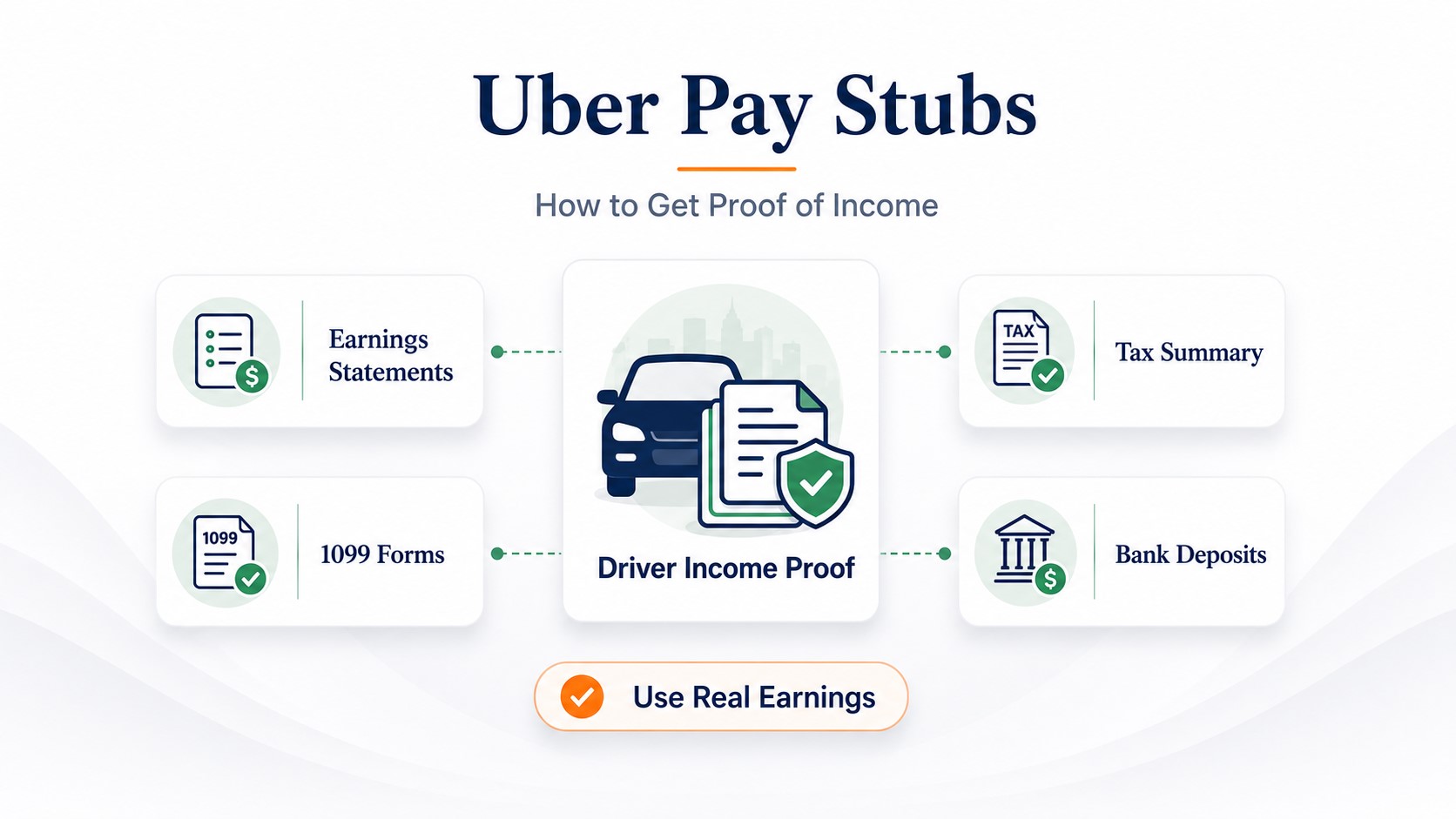
Uber Pay Stubs: How Drivers Can Prove Income for Rent, Loans & More
Does Uber have pay stubs? Drivers who earn through Uber as independent contractors typically get official payment or earnings statements, not an employer-issued payroll stub. For recent earnings, sign in to the Uber Driver Dashboard, open Earnings > Statements, select the required week and use the download option available for your account. Uber’s general dashboard instructions specify Download CSV for weekly statements.
If a landlord, lender, or other reviewer asks for proof of Uber income, start with the original Uber statement. Add matching bank deposits, tax records, or a current profit-and-loss statement only when the recipient's checklist calls for them.
- Does Uber give pay stubs?
- How to get an Uber payment statement
- Can you get an Uber pay stub PDF?
- What the statement shows
- Which record should you send?
- How to prove Uber income
- Rent, car loans, and personal loans
- Mortgage income documentation
- Why Uber totals may not match
- When a P&L may be needed
- Tax summaries and 1099 forms
- If someone insists on a pay stub
- Choose documents for your application
- Sample Uber rental packet
- Example: reconcile earnings and deposits
- If your documents are rejected
Does Uber Give Drivers Pay Stubs?
Not in the traditional employee-payroll format. Uber's official U.S. Driver Dashboard documentation describes payment statements, tax documents, and banking information. The Payment statements area lets drivers access statements by pay period and download the statement data as a CSV.
That distinction matters because the phrase Uber pay stubs is common search language, while the official Uber record is a payment or earnings statement. If a landlord or lender asks for an "Uber pay stub," ask whether it accepts the official Uber statement for the requested period.
Do not relabel an Uber statement as an employee pay stub. A platform earnings record, bank deposit, tax return, 1099, and P&L each prove different things. Use the document the reviewer actually needs.
How to Get Pay Stubs From Uber: Download the Official Statement
If you are searching for how to get pay stubs from Uber, the most direct official record is the payment statement available at drivers.uber.com.
Go to drivers.uber.com.
Find the week that covers the earnings period you need.
Keep the original downloaded file with the rest of your application records.
These steps match Uber's current help page for data available on the Driver Dashboard. If the interface changes, use Uber's current Driver Dashboard instructions rather than relying on an old screenshot or third-party tutorial.
If you work through a fleet partner or an employment arrangement, request any employer-issued payroll records from that employer. Uber notes that fleet-partner drivers may need to obtain documents from their fleet partner.
Can You Download an Uber Pay Stub as a PDF?
Check the download options shown in your own account. Uber’s general Driver Dashboard instructions describe a CSV download for weekly statements and a PDF or print option for the annual tax summary. Other Uber Help pages in some markets describe downloadable PDF statements or invoices; do not assume the same file formats are available in every country or driver account. An annual tax-summary PDF is not a substitute for a recent weekly statement when the reviewer needs current earnings. See Uber’s current dashboard documentation.
If a landlord or lender specifically asks for a PDF of recent earnings, ask whether it accepts a PDF exported or printed from the original Uber statement data. If you convert the CSV for readability, keep the original CSV and do not change dates, amounts, labels, or other source information.
Best practice: submit the original Uber record whenever the recipient accepts it. A converted copy can make a CSV easier to read, but it should remain traceable to the original source file.
What Does an Uber Weekly Payment Statement Show?
Uber says each payment statement can include:
- earnings and account balance for the week;
- a breakdown of the balance;
- trips from that week; and
- itemized amounts associated with individual trips.
This makes the weekly statement useful for showing recent Uber earnings and activity. It does not automatically establish annual net business income, prove that every amount reached your bank, or replace a filed tax return.
Which Uber Record Should You Send?
Match the document to the question the reviewer is trying to answer.
| Reviewer asks for | Start with | Add when requested | Important limitation |
|---|---|---|---|
| Recent Uber earnings | Weekly Uber payment statements | Matching payout or bank deposit | Recent gross or platform earnings are not the same as annual net profit. |
| Cash actually received | Bank statement or payout record | Uber statement covering the same period | A bank deposit alone does not explain gross earnings or business expenses. |
| Monthly Uber history | Monthly Uber Tax Summary | Weekly statements and deposits | Monthly summaries use calendar-payment timing, which can differ from weekly statement timing. |
| Annual Uber history | Annual Uber Tax Summary | Applicable 1099 forms and filed tax return | Uber says the annual Tax Summary is informational, not an official IRS form. |
| Net self-employment income | Filed Schedule C or other accepted tax record | Current P&L and supporting statements | A P&L is usually self-prepared and is not independent verification by itself. |
| Platform relationship or activity | Available Uber account or activity record | Earnings statement if income also must be proved | Relationship evidence does not necessarily show a specific income amount. |
Which Uber income documents should you start with?
Choose why someone requested proof of income. This guide suggests a starting packet; the recipient decides which documents and reporting period are acceptable.
Apartment or rental: suggested starting packet
- Original weekly Uber earnings statements for the period the property asks for.
- Matching bank-deposit records if the property requires proof of receipt.
- Tax documents or other business-income records only when requested.
Ask the recipient: Which dates and file formats do you accept for Uber income, and do you need gross earnings, deposits, or business income?
No documents or account information are entered, uploaded, or saved by this tool. It does not determine approval or replace the reviewer’s checklist.
How Do Uber Drivers Prove Income?
For most income-verification requests, the strongest starting point is a record trail that can be reconciled:
- Official source: download the Uber statement for the exact period requested.
- Payment trail: identify the related deposit or payout record if the reviewer wants proof of receipt.
- Longer history: add monthly or annual tax summaries, applicable 1099s, or filed tax returns only when needed.
- Net-income context: use a P&L or tax return when the reviewer is evaluating self-employment profit rather than platform gross earnings.
- Consistency: keep names, dates, and amounts traceable across the records and explain real timing differences.
If you earn from multiple apps, use the broader proof-of-income guide for gig workers rather than combining unrelated platform records into an Uber-only document.
Uber Proof of Income for Rent, Car Loans, and Personal Loans
Apartment or rental application
If a property manager asks for pay stubs, explain that your Uber income is documented through platform statements and ask which self-employment records it accepts. A practical packet can start with recent Uber statements and matching deposits, with tax records added only if the property requires a longer history.
There is no universal rule for the number of statements every property accepts. Use the property's actual checklist. For a broader comparison of rental documents, see Proof of Income for an Apartment.
Sample Uber proof-of-income packet for an apartment
Example only: A property requests the last four weeks of earnings and corresponding deposits. The driver could organize:
- Cover note: driver name, requested four-week date range, and a one-sentence explanation that income comes from Uber platform activity.
- Uber source files: four original weekly payment statements for that range, with any downloadable originals preserved.
- Deposit support: the bank entries or accepted payout records that correspond to those Uber statements, including deposit dates.
- Difference note, if needed: an accurate explanation of any payment-period boundary, fees, adjustments, or multiple transfers. Do not change source figures to make them match.
- Additional materials: only the tax returns, tax summaries, or other documents the property specifically requests.
Four weeks is an illustrative request, not a universal rental standard. Use the actual property’s written requirements. Share documents through its approved secure channel, and redact sensitive account numbers only when the verifier permits redaction.
Car loan or personal loan
A lender may want to see both the earnings source and the cash received. Uber statements plus corresponding deposits are a useful starting pair. Depending on the lender and product, it may also request tax returns, 1099s, or a current P&L.
For broader lending documentation, see Proof of Income for a Loan.
Do not assume an 8-week, 12-week, or 3-month rule applies everywhere. Income-verification periods vary by landlord, lender, program, and underwriting method.
Can Uber Income Be Used for a Mortgage?
Uber earnings may be considered as self-employment income, but a weekly Uber statement is not normally the only document used to calculate qualifying mortgage income.
Fannie Mae's current guidance for self-employed borrowers focuses on stable and continuous income and generally relies on filed federal tax returns or IRS transcripts, with cash-flow analysis required in relevant cases. The exact documentation depends on the loan file and underwriting rules. See Fannie Mae’s self-employed borrower documentation guidance for the applicable conventional-loan rules.
For a deeper explanation, see how lenders evaluate self-employed mortgage income.
Why Do My Uber Statement, Tax Summary, 1099, and Bank Deposit Differ?
Different Uber records can cover different timing and income concepts, so a mismatch does not automatically mean one of the records is wrong. Compare Uber’s weekly-versus-monthly reporting explanation before assuming the numbers should match.
How a statement and two bank deposits could reconcile
Suppose one driver’s genuine statement shows the following illustrative entries for a matching reporting period. These are not Uber’s standard statement-field names or a sample real driver record.
The bank shows a $700 transfer and a $490 transfer. Together, those transfers equal $1,190. The amount payable and total transferred reconcile in this example, although the deposits might fall on different dates.
How to check a real mismatch: first align statement and payout dates; then compare the actual fee and adjustment line items, transfer identifiers, and any pending or instant cash-outs. If figures still do not reconcile, contact Uber or the financial institution using the original records. Do not invent adjustments or make a fabricated earnings statement.
This is payout reconciliation, not a tax calculation, a net-business-profit estimate, or an example of a real Uber statement. The method and statement labels vary by account and jurisdiction.
| Record | What it mainly reflects | Why it may differ |
|---|---|---|
| Weekly payment statement | Activity for the weekly statement period | The weekly invoice/activity period can cross a calendar-month boundary. |
| Monthly Tax Summary | Payments made during the calendar month | Uber states that monthly summaries and weekly statements use different timing conventions. |
| 1099-K | Reportable gross third-party network payments | Gross reportable payments are not the same as the net amount deposited after fees and other adjustments. |
| Bank deposit | Cash transferred to your bank | Payout timing, fees, adjustments, or multiple transfers can affect the deposit amount and date. |
Uber specifically explains that weekly statements follow weekly activity/invoice timing while monthly Tax Summaries follow payments made within the calendar month. Uber also explains that tax-form amounts can differ from direct deposits because gross payments and net payouts are different figures.
When Might an Uber Driver Need a Profit-and-Loss Statement?
A profit and loss statement for an Uber driver can be useful when a landlord, lender, or other reviewer needs current business revenue and expenses rather than only gross platform earnings.
A P&L should be built from real business records. Uber statements can support the revenue side, while receipts, mileage records, and other bookkeeping support expenses. Do not label a P&L as an Uber-issued statement, and do not use it as a substitute for independent verification when the recipient requires source documents.
Uber Tax Summary and 1099 Forms
Uber provides annual tax information through the Driver Dashboard and Driver app. Uber says the annual Tax Summary is informational and is not itself an official IRS form.
Gig income may still be taxable even if no 1099 is issued; see the IRS Gig Economy Tax Center. A tax form and a platform statement are not interchangeable proof of net business income.
For federal reporting thresholds, use current IRS guidance. As of this update, IRS guidance states that third-party settlement organizations generally report Form 1099-K when payments for goods or services exceed $20,000 in more than 200 transactions. IRS guidance also states that the general Form 1099-NEC reporting threshold for payments made in 2026 is $2,000. Forms can be issued below general thresholds, and whether a form is issued does not determine whether income must be reported. Check the IRS Form 1099-K guidance and current IRS information-return requirements when using a threshold figure.
For broader documentation guidance, see 1099 Proof of Income.
Important: Uber's own tax-information page may show platform-specific issuance information that differs from the general IRS threshold wording. For federal filing and reporting rules, rely on current IRS guidance or a qualified tax professional.
Do Uber and Uber Eats Earnings Appear Together?
Uber states that when Uber and Uber Eats activity uses the same email account, the earnings are combined for tax-form qualification and one tax summary covers the Uber activities. Different email accounts can lead to separate tax records. For a specific weekly statement, confirm what activity is shown in the statement you downloaded rather than assuming every account is configured the same way.
What If Your Uber Income Documents Are Rejected?
A document may be genuine but still fail the recipient’s file-format, reporting-period, or income-definition requirements. Ask for the precise reason and the recipient’s approved alternative before sending more personal information.
| What went wrong? | Practical next step |
|---|---|
| Screenshot lacks context | Provide the complete Uber statement or original download showing the requested period, as accepted by the reviewer. |
| Only a PDF is accepted | Check your account’s official download options; ask whether a faithful print/export of the original CSV plus the source file is acceptable. |
| Deposits do not match the earnings amount | Compare dates, transfer IDs, actual fees, adjustments and multiple payouts. Explain genuine differences with source records. |
| Current earnings are not enough | Ask which longer history is required; provide the requested tax summaries, filed tax returns, or P&L with supporting records. |
| Gross earnings are not accepted as net income | Confirm whether the reviewer requires taxable net income, business cash flow, or another defined figure; submit the applicable records. |
| Reviewer requires an employee-issued stub | Explain the platform-work arrangement and ask whether original earnings statements plus deposits or direct verification are accepted instead. |
What If a Landlord or Lender Insists on a Traditional Pay Stub?
Do not create a document that falsely appears to have been issued by Uber or that invents an employee relationship, tax withholding, deductions, or earnings.
- Explain that your income is documented through Uber platform records.
- Ask which alternative self-employment records the recipient accepts.
- Provide official Uber source documents first.
- Add bank, tax, or P&L records as requested.
- Only prepare a self-formatted income summary if the recipient accepts one, and label it accurately.
If a recipient accepts a self-prepared summary, review when it is legal to make your own pay stub before creating anything.
Need a Clear Summary of Genuine Income Data?
If a landlord, lender, or other recipient explicitly accepts a self-prepared earnings record, ePaystubs can help format genuine income information into a readable document. A generated record does not replace Uber's official statements, verify employment, or become an Uber-issued document.
Create a Formatted Earnings RecordFrequently Asked Questions
Does Uber provide pay stubs?
Uber's Driver Dashboard provides payment statements rather than a traditional employee pay stub. For recent earnings, download the statement for the requested pay period.
How do I get an Uber pay stub?
Sign in at drivers.uber.com, open Earnings > Statements, choose the month and year, open the correct week, and use Download CSV. If someone calls this an "Uber pay stub," confirm that the official payment statement is acceptable.
Can I use an Uber earnings statement as proof of income?
It can document recent Uber earnings, but the recipient decides whether it is sufficient. A landlord or lender may also request matching deposits, tax returns, 1099 forms, or a P&L.
Can I get an Uber pay stub PDF?
Uber's current payment-statement instructions specify a CSV download. Its yearly tax summary can be downloaded as a PDF or printed. If a reviewer requires a PDF of recent earnings, ask whether a PDF exported from the original statement data is acceptable and keep the original CSV.
Why does my Uber 1099 amount not match my bank deposits?
Uber explains that tax forms can report gross payments while bank deposits reflect net payouts after fees, adjustments, and payout timing. The amounts therefore may not be identical.
Do I need a P&L as an Uber driver?
Not for every request. A P&L may be relevant when a reviewer needs current self-employment revenue and expenses rather than only platform earnings. Use real records and follow the recipient's checklist.
Can I make my own Uber pay stub?
Do not create a document that falsely appears to be issued by Uber. If a recipient accepts a self-prepared income summary, use genuine source data and label the document accurately.
Primary Sources Used for This Update
- Uber Help: Data available on drivers.uber.com
- Uber Help: Weekly earnings statements vs. monthly tax summaries
- Uber: U.S. driver tax information
- IRS: Understanding Form 1099-K
- IRS: Information-return reporting requirements
- Fannie Mae: Self-employed borrower documentation
Source review date: September 22, 2026.