
Proof of Income for Gig Workers: Verify App Earnings
Home › Blog › Proof of Income for Gig Workers
By ePaystubs Editorial Team · U.S. guide · Source review: September 21, 2026
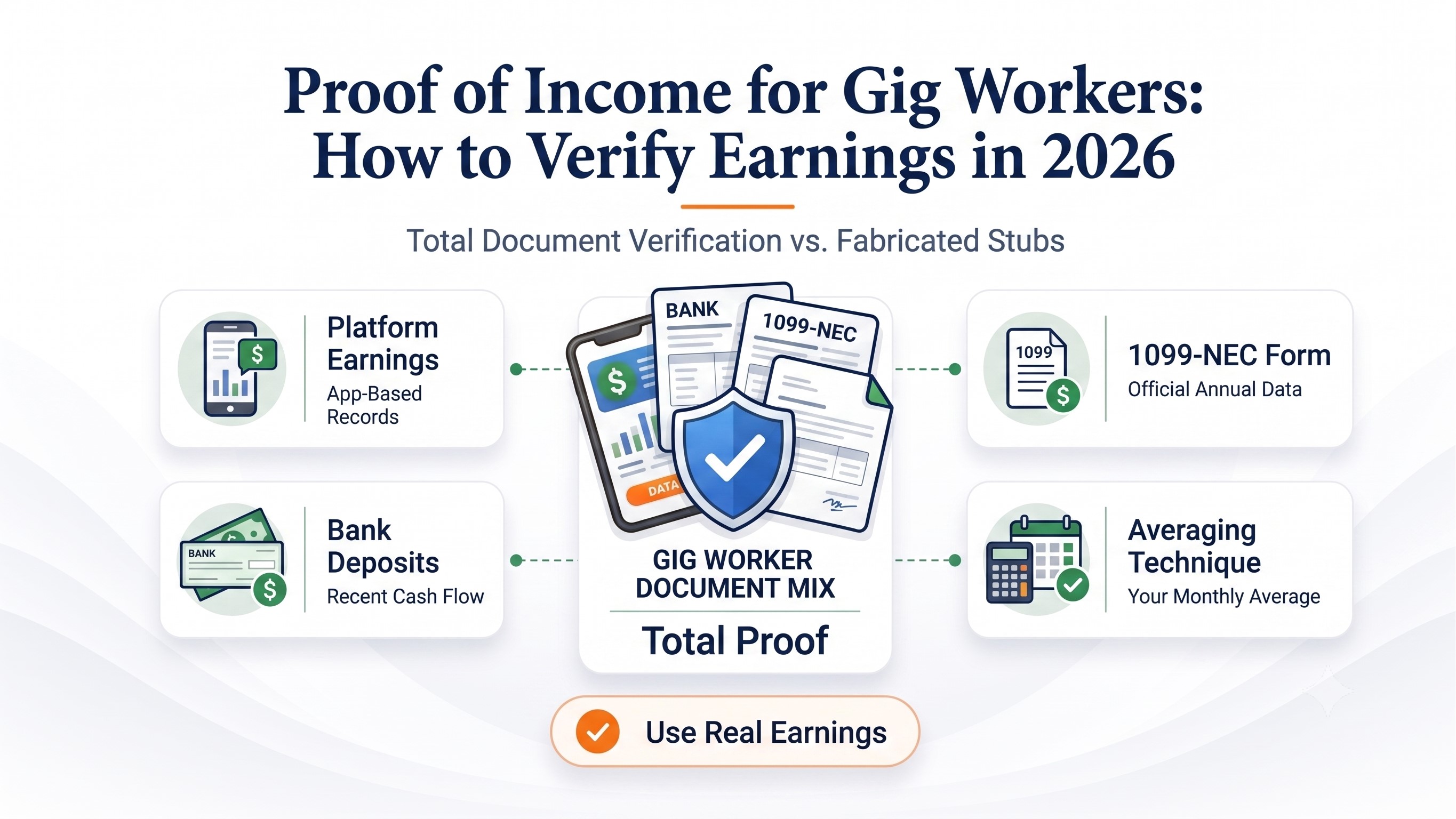
To prove gig-worker income, start with an original earnings statement from each app and a matching bank-deposit record for the period your reviewer requests. Add your 1099, filed tax return, or current profit-and-loss (P&L) statement if requested. For a supported direct-source check, authorize the verifier’s secure request instead of creating a substitute employment record.
Ask first: “Do you need gross app earnings, payouts received, or net business income, and for which dates?” These figures can differ. A self-prepared pay-stub-style summary may organize your real records, but it is not an employer-issued pay stub or independent verification.
Build a proof-of-income packet that is easy to verify
Start with the receiving organization's actual checklist. A landlord, personal-loan lender, mortgage underwriter and benefit agency can require different evidence. Do not assume a fixed number of months or that a single screenshot, 1099 or self-made pay stub is accepted everywhere.
- State the review period. Use the exact beginning and ending dates the recipient requests.
- Save the original platform records. Export the available earnings or payout report for each app; keep the original downloaded file.
- Match the payments. Find the corresponding deposits or accepted payment records and note payout dates and identifiers.
- Summarize only what the records prove. Show each platform separately and label gross earnings, payout, deposits and any estimated business profit.
- Add history only when requested. Include applicable 1099s, tax returns or P&L statements; do not substitute one for another without permission.
- Explain genuine differences. Attach a short note for fees, delayed payouts, adjustments, multiple accounts or a refund.
- Submit securely. Use the recipient's authorized portal; confirm any permitted redactions and do not share app passwords.
Keep legal names, platforms, dates and income labels consistent. Preserve original records even if you create a one-page cover summary.
Which record answers which question?
| Record | What it helps show | What it does not prove on its own |
|---|---|---|
| Official app earnings statement | Recent work and amounts reported by that platform | That every amount was deposited or is business profit |
| Bank deposit / payout record | Money received and transaction date | That every deposit is income, or the associated business expenses |
| Form 1099 | Reported payments for a tax year, subject to the form's rules | Current income, total income across all apps, or net profit |
| Filed tax return / Schedule C | Reported historical business activity and expenses | Current-month earnings without more recent evidence |
| Current P&L | Revenue and expenses during a stated period | Independent verification unless supported by records |
| Authorized direct-source report | Platform or banking information shared through a supported workflow | Any unrequested income measure outside the report's scope |
Where to get proof of income from gig apps
Use the platform's own records rather than recreating its statement. Menu names, exports and verification partners may change, so check the official help pages before sharing instructions with a reviewer.
Uber: download the original earnings statement
Sign in to the Uber Driver Dashboard, open Earnings → Statements, select the month and year, view the appropriate week, and download the available CSV. The dashboard also provides tax documents and an annual tax summary through its tax-information area. Retain your original files and the related bank-payout records. Uber's official statement instructions provide the current path.
For Uber-only questions, see the Uber proof-of-income guide.
DoorDash: distinguish personal records from third-party verification
For a landlord or lender requesting formal third-party verification, DoorDash says the verifier initiates the request. The Dasher receives an email and follows its authorization steps. A Dasher who only wants their own earnings record should use the app's earnings information or contact Dasher support, rather than submit a verification request as the third party. See DoorDash's current income-verification instructions.
For a DoorDash-specific document walkthrough, see DoorDash proof of income.
Instacart: match shopper earnings with actual payouts
Use the earnings information and any available statements or verification options in your Shopper account. Preserve the relevant date range and match the payout history to your bank activity. If your recipient requires formal verification, ask which supported process it accepts; do not assume Uber or DoorDash's menus apply to Instacart. For platform-specific guidance, see Instacart proof of income.
Grubhub, Lyft, Amazon Flex and other apps
Find the account's Earnings, Payments, Statements or Tax Documents area and save the dated report available to you. If your app does not offer an export covering the requested period, ask its support team for a statement or earnings history. A reviewer may accept app records plus matching deposits, or may request a separate verification provider. Confirm the recipient's policy rather than claiming that every platform issues formal employee pay stubs.
How to match gig-app earnings to bank deposits
Do not expect app gross, platform earnings, payout, bank deposits and tax-reporting amounts to be identical. A platform may report fees, tips, bonuses or transaction adjustments differently, and a payment dated at the end of a month can arrive in the bank early the next month. Use the actual description in each original statement.
The $5 explains this payout difference only. It is not an estimate of all business expenses or of net business profit. Confirm what each app's earnings total includes before performing this calculation.
Keep a payout reconciliation log
For each payout, record the platform, earning dates, statement identifier, earnings amount and its definition, documented platform-level fee or adjustment, payout amount, bank receipt date, deposit amount, and any outstanding difference. Add a separate note if a deposit covers multiple earning periods or if several payouts land together.
| Line | Example | Evidence to attach |
|---|---|---|
| Earnings period | September 1–7 | Original dated platform statement |
| App-reported credited earnings | $1,240.00 | Earnings breakdown |
| Documented payout fee | $5.00 | App fee/payout record |
| Bank deposit | $1,235.00 | Corresponding bank transaction |
| Review note | Fee accounts for $5 difference | Statement and deposit identifiers |
How to calculate your average monthly gig income
Ask the reviewer which definition of income they use. Gross app earnings, actual bank deposits, and net business income are different measures. The correct number depends on the application. A simple monthly average is a descriptive summary, not a promise that a lender will use the same figure to qualify you.
This is a fictional gross-earnings average. A business-income review may require eligible expenses and documented net income instead.
If your work is seasonal, include the monthly history or explain a material change rather than selecting only a high-earning week. When current earnings are much lower than the previous year, show the reviewer both periods and ask how they evaluate variable income.
How to combine income from multiple gig platforms
List earnings for each app over the same twelve-month or other requested period and then total them. Keep a record from each app. Check whether the same job or payment appears in two sources before adding it to the total.
| Fictional platform | Earnings for the same 12 months | Monthly gross average |
|---|---|---|
| Uber | $21,600 | $1,800 |
| DoorDash | $13,200 | $1,100 |
| Instacart | $7,200 | $600 |
| Total | $42,000 | $3,500 |
The combined total is not automatically net business income. If the reviewer wants net income, prepare the applicable revenue-and-expense record and follow its requirements. For tax reporting, see the IRS Gig Economy Tax Center; income may be reportable even if no 1099 is issued.
What proof of gig income is needed for rent, loans or benefits?
There is no universal acceptance list. Start with the reviewer’s written requirements, period, permitted file format and secure submission method.
| Application | Useful starting evidence | Confirm before submitting |
|---|---|---|
| Apartment or rental | Recent original app statements, matching deposits, and other requested records | Lookback period; whether direct verification or a 1099 is required |
| Personal or auto loan | Current app income and bank history, plus tax records or P&L if requested | Definition of income and the lender's review period |
| Mortgage | Exact self-employment package requested by the lender | Required tax years, Schedule C, transcripts and current business documentation |
| Government or benefits application | Agency-prescribed self-employment ledger or supported documents | Program definition of countable income and expenses |
See our guides to proof of income for an apartment and 1099 proof of income for the separate rental and tax-form questions.
How does direct-source gig-income verification work?
If the organization uses an authorized provider, the verifier typically starts the request, and you follow a secure, permission-based account connection or document-upload process. Confirm who is requesting access, which data will be shared and whether an alternative is available. Truework's gig-worker verification guide illustrates one supported process; a different recipient may use another provider.
What if your app statement, bank deposit or 1099 is missing?
I did not receive a 1099. Can I still prove income?
Yes. Use your original platform statements, bank deposits and other documents the reviewer accepts. The IRS says gig income can be reportable even without an information return. A 1099 is not the only evidence of real income. IRS guidance.
The bank deposit is smaller than my app earnings.
Compare the app's definitions, fees, refunds and payout date. Check whether one deposit combines several periods or whether money arrived in a different month. Reconcile rather than rewriting the original statement. If unexplained, contact platform support and describe the exact payout.
My platform will not issue an employee pay stub.
Most independent contractors should use official platform earnings records instead of claiming to have employer-issued wage stubs. Ask the recipient which alternative self-employment documents it accepts.
I need proof for Grubhub or another app and cannot find a report.
Check the platform's current Earnings, Payments, Account or Help sections and request a dated earnings history from support. Match it to bank receipts and ask the recipient if direct verification or an accepted alternative is available.
My income changed this month.
Submit the requested historical period plus current platform statements or a P&L if permitted. Explain the change factually, without choosing only the period that looks strongest.
Can a gig worker use a self-prepared pay-stub-style summary?
A self-prepared document can organize genuine earnings in a familiar layout if the reviewer accepts that format. Label it clearly as a self-prepared income summary, identify the actual source platform and dates, and keep every amount traceable to the original app and payment records.
Do not portray a platform as your employer if you are an independent contractor. Do not create fictional hours, tax withholding, wages, employer details, or a platform-issued pay stub. A formatted summary should not replace a platform statement, tax record or direct-source verification when those are required.
If your recipient accepts a self-prepared pay-stub-style summary, organize your real amounts with the supporting records. If they require official gig-platform or tax records, submit those instead.
Format a genuine income recordFrequently asked questions
What is the easiest way to validate gig economy income?
Get the original app report for the period requested, match its payouts to deposits, and add the specified tax or business record if required. Record and explain material differences without relabeling gross receipts as profit.
Does an Uber or DoorDash earnings statement count as proof of income?
It can document genuine platform earnings. The receiving landlord, lender or agency determines whether that record alone is sufficient or needs bank, tax or direct-source corroboration.
Can I add my income from several apps together?
Yes, for a clearly labeled combined summary covering the same period. Keep each app's original report and avoid double-counting transfers, shared payouts or the same payment shown twice.
Why does a 1099-K not equal my bank deposits?
A 1099-K generally reports gross payment transactions before fees and certain other adjustments. Bank records show actual deposited amounts and may use different dates. Use payout and tax records to reconcile the difference. IRS 1099-K guidance.
How many months of gig earnings should I provide?
Provide exactly the period the recipient asks for. A current-income review and a mortgage self-employment review may use substantially different documentation and periods.
Primary sources and verification
Editorial note: This guide addresses U.S. gig and contractor earnings. Platform screens, verification partners and acceptance requirements can change. It provides general information, not individualized tax, legal or lending advice. Keep original documents and confirm the reviewer’s current requirements.